Dealer Self Service
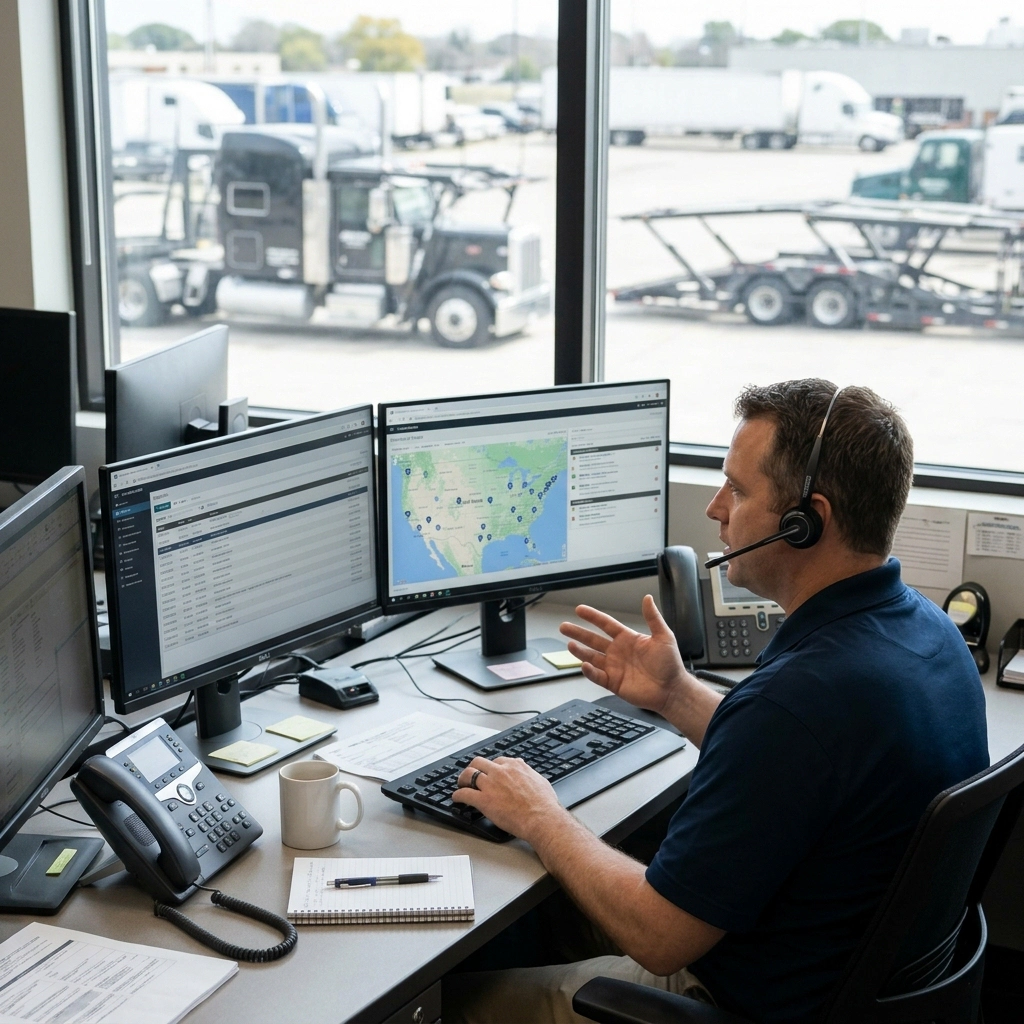
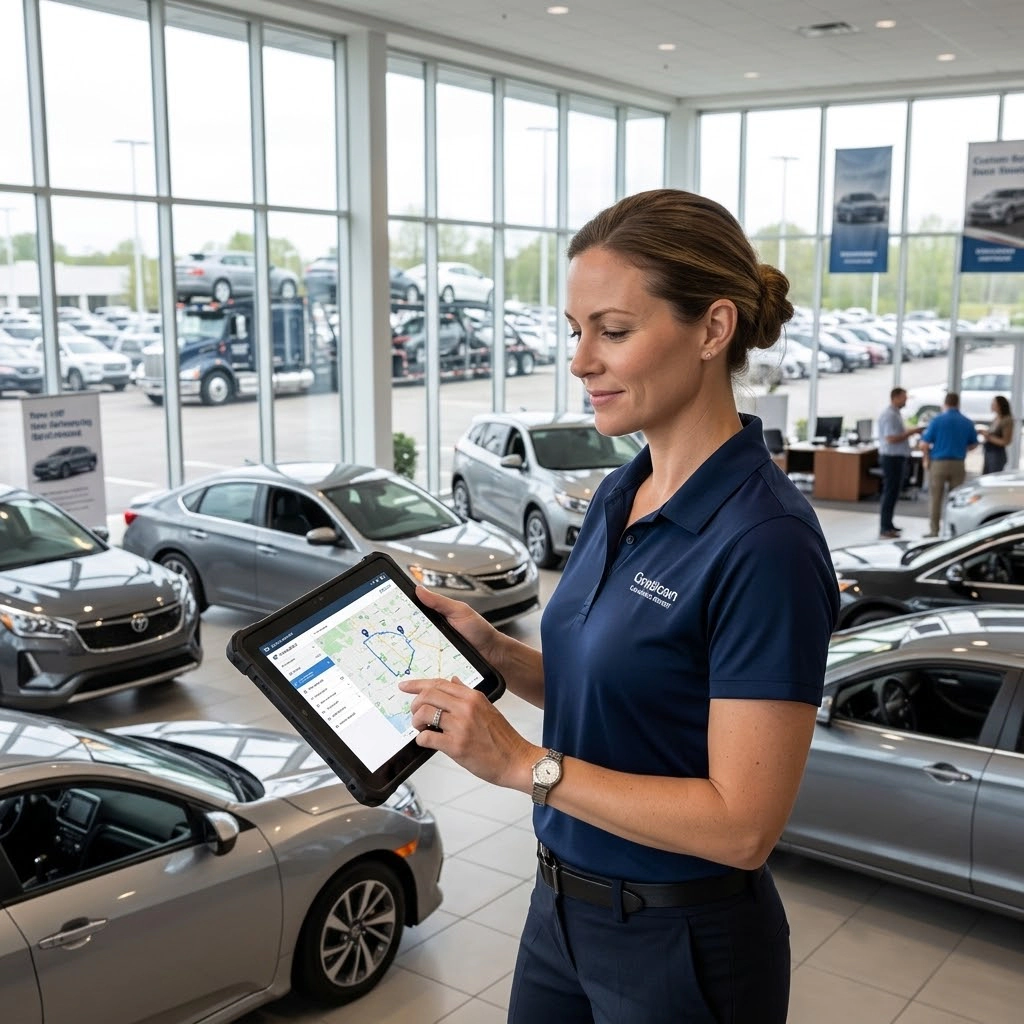
Dealers represent a huge part of the customer base for Auto Carriers and every chance an Auto Carrier has to win dealers over is good business.
Dealers work aggressively to sell the cars they have and even the ones that are on the way.
Technically for New OEM vehicles, the dealer already owns the vehicle, has paid for the transport of the vehicle and is paying interest to the bank each day that the vehicle remains unsold. The OEM may be paying the bill, but the Dealer is the customer
Being able to see real-time inventory positioning, status and the ability to toggle HOT flags on key vehicles supports the dealer’s sales efforts, all without inundating your dispatch team to answer their questions.
Dealers being able to interact with the Carrier’s system ensures a positive relationship which drives new work, streamlines current work (getting your driver in and out more quickly), and builds a positive reputation that grows indirect opportunities.
The VinMover Dealer Portal gives dealers direct access to the information they need to manage their incoming inventory and support their sales efforts. Dealers can view their own inventory and shippable VINs, track vehicles in transit on a map, and set delivery priorities for key vehicles using HOT flags. If priorities change, they can also cancel a priority request when needed.
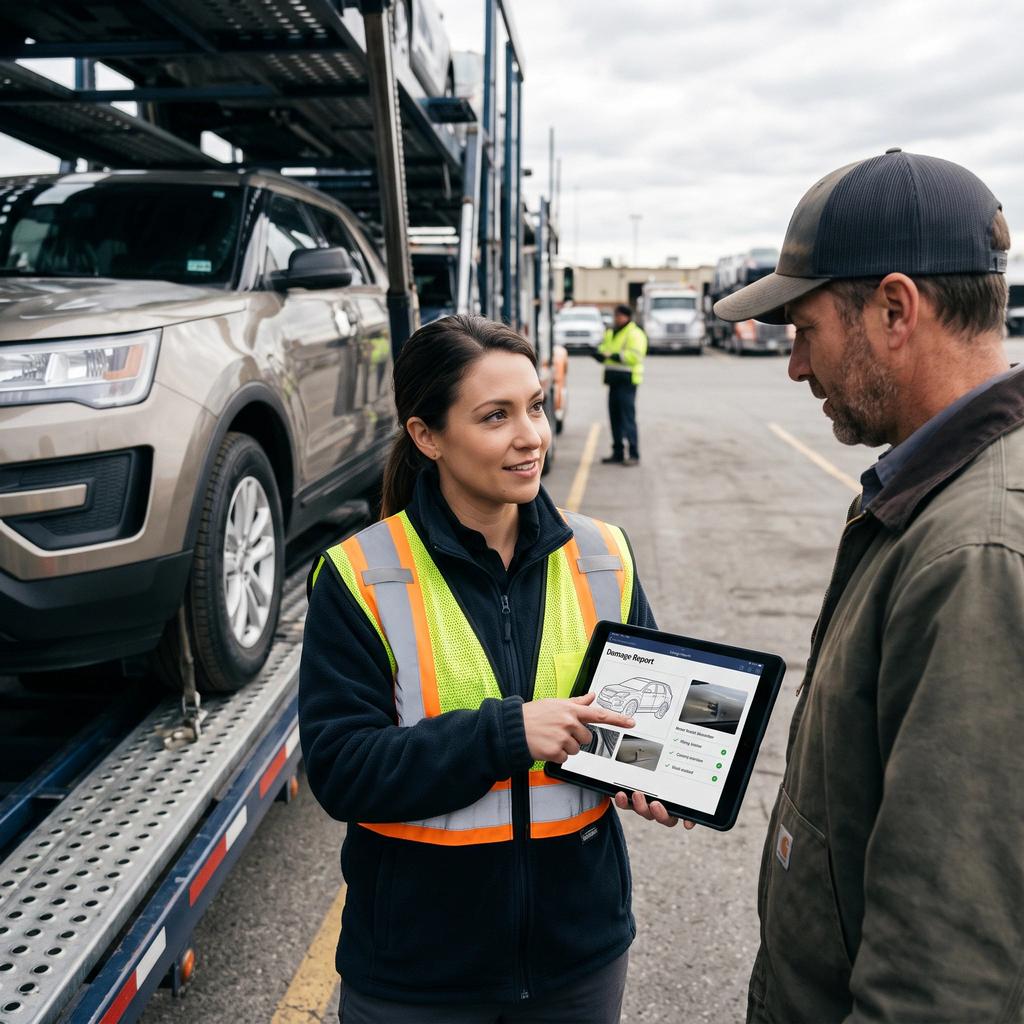
The portal also provides convenient access to shipping documents, including Bills of Lading (BOLs) and delivery receipts, allowing dealers to retrieve their paperwork whenever they need it, without having to contact the carrier’s team. In addition, dealers can submit damage reports for vehicles delivered subject to inspection within 48 hours of delivery.
By giving dealers greater visibility and control over their shipments, the Dealer Portal reduces routine inquiries to the dispatch team, helps streamline communication and vehicle deliveries, and strengthens the relationship between the carrier and its customers.
Key features
- Dealer Inventory View their own inventory and VINs available for shipment.
- Delivery Priority Management Set HOT flags for priority vehicles and cancel priority requests when necessary.
- In-Transit Vehicle Tracking View vehicles in transit on a map and track their transportation status.
- Shipping Documents Access and retrieve BOLs and delivery receipts whenever needed.
- Dealer STI Damage Reporting Submit subject-to-inspection (STI) damage reports within 48 hours of delivery.

OEMs Self Service
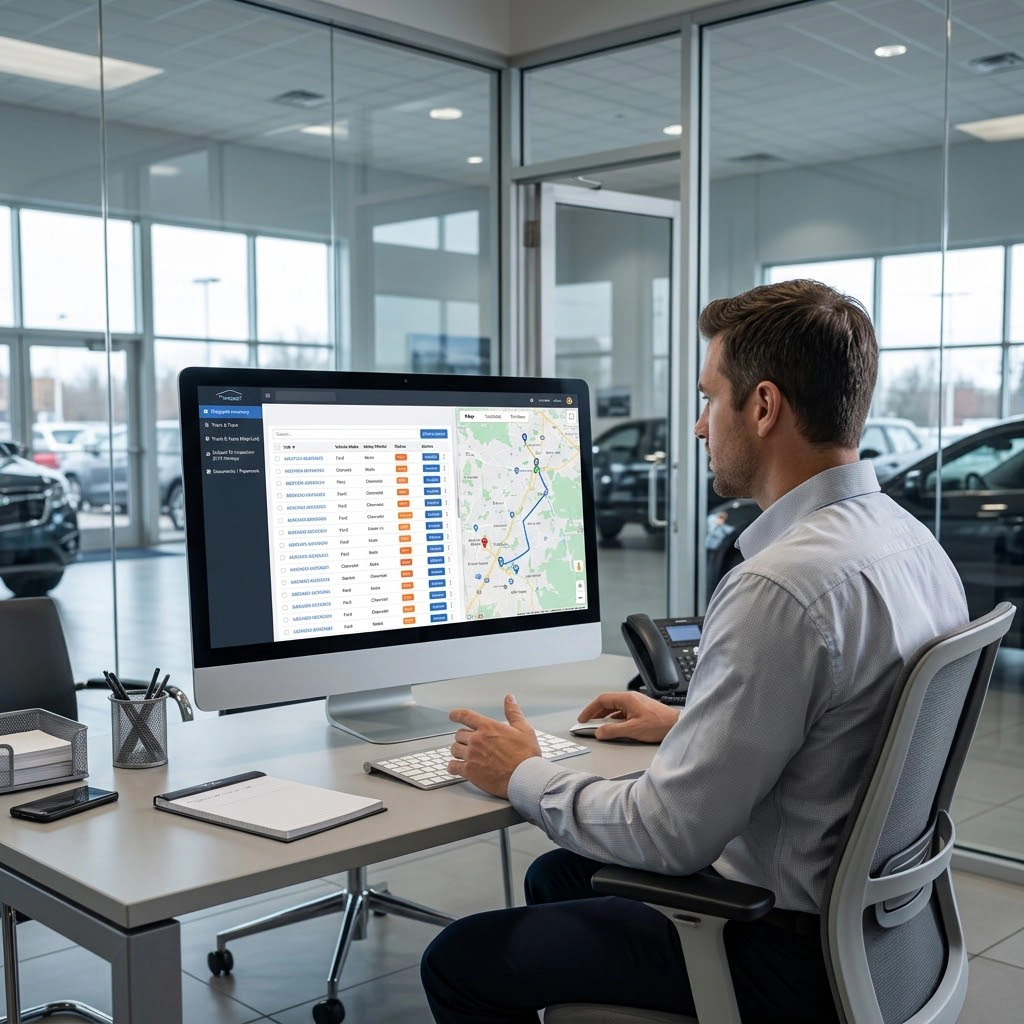
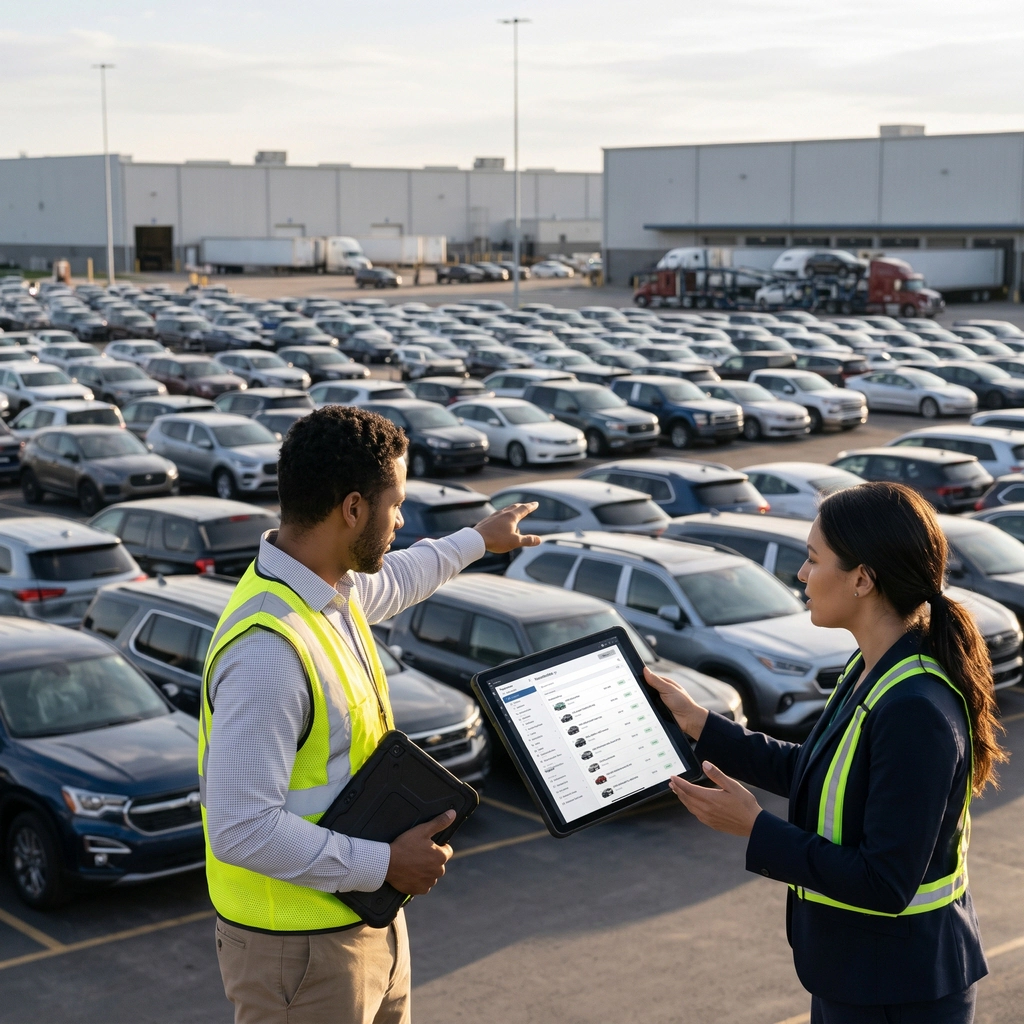
The OEM Self-Service Portal provides OEMs with direct access to the information they need to monitor vehicle transportation and evaluate carrier performance. They can review vehicle inventory and shipment details, set or update priority flags for specific vehicles, and track in-route vehicles on a map.
By providing visibility into SLA performance, the portal helps OEMs assess whether transportation services meet their agreed requirements. Access to shipping documents, including Bills of Lading (BOLs) and delivery receipts, makes it easier to retrieve the necessary paperwork without additional requests to the carrier.
OEMs can also submit additional transportation requests, such as spot buys, by importing or uploading the relevant work directly through the portal. This streamlines the process of requesting additional capacity and helps carriers respond more efficiently to changing transportation needs.
Key features
- Vehicle Inventory View and review OEM vehicle lists and inventory details.
- Priority and Shipment Management – Set or update vehicle priority flags and access shipment details.
- In-Transit Vehicle Tracking Track vehicles on a map and monitor their transportation status.
- Shipping Documents Access and retrieve Bills of Lading (BOLs) and delivery receipts.
- Spot Work Management – Import or upload additional transportation requests, including spot work.
Subhauler Self Service
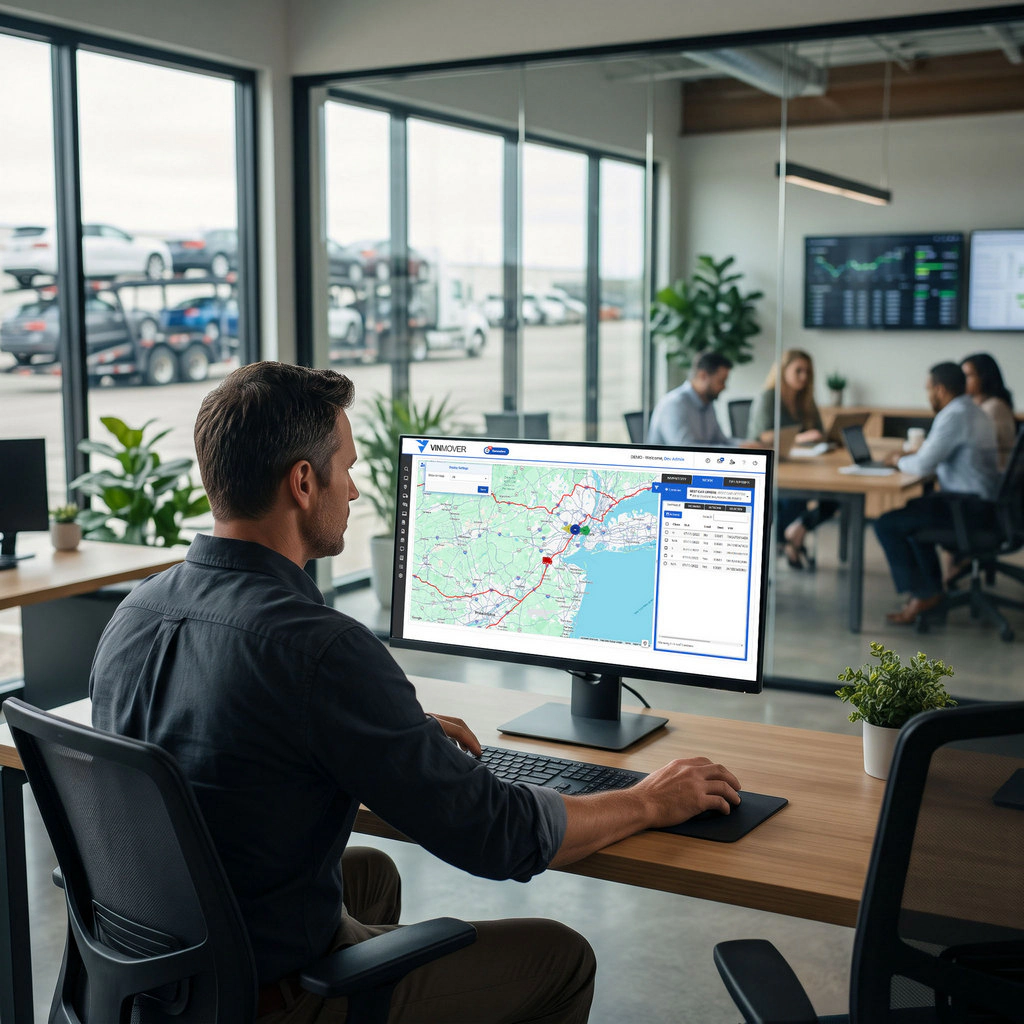
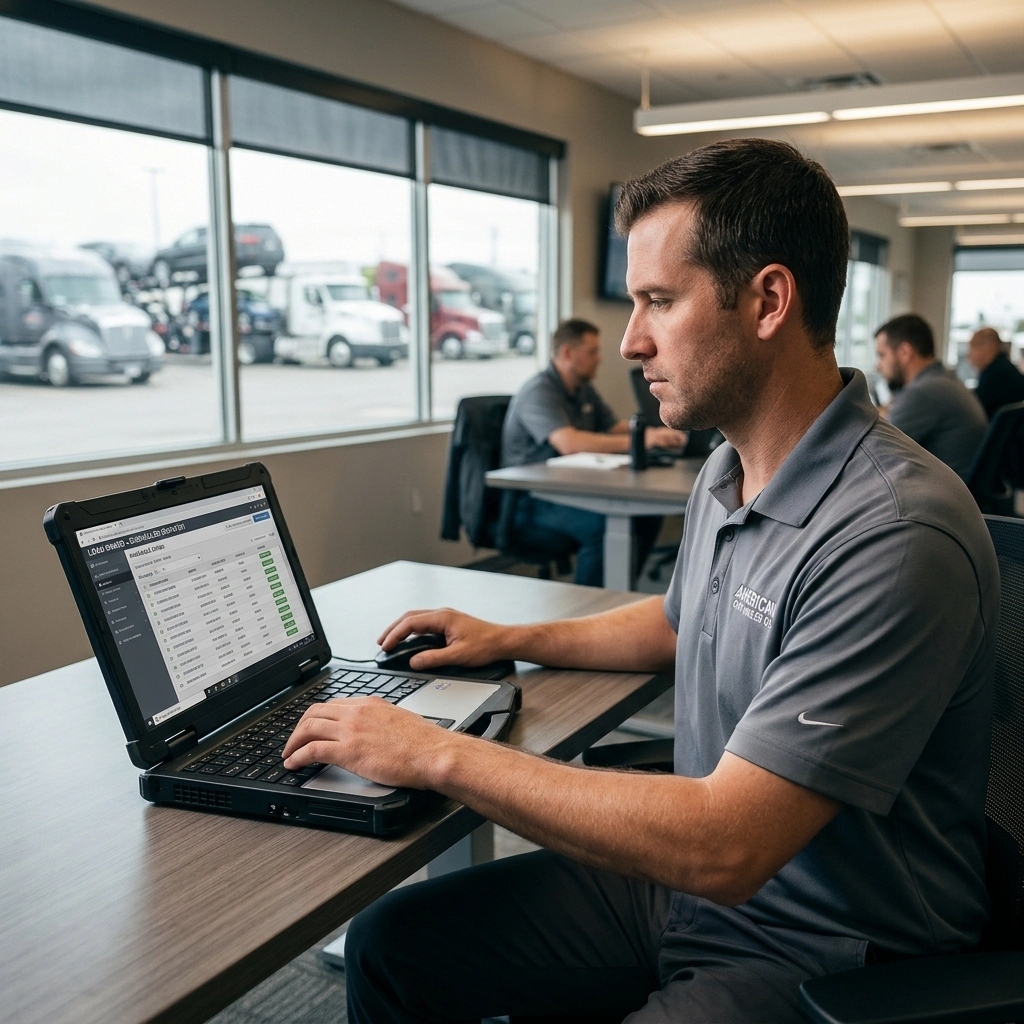
Properly managed Subhaulers are the quickest and least risky way to handle variable elasticity or expand a fleet’s size, buying a Carrier time and flexibility to evaluate how and if they want to ramp up with internal asset.
Awarding work to a subhauler means the subhauler arranges the delivery under the Carrier’s terms and the Carrier’s requirements which requires a system to ensure those requirements are effectively shared and the work is done correctly at each step in the process.
The customer needs to receive the service promised regardless of the corporate entity executing the work on the Auto Carrier’s behalf.
Subhaulers get the same visibility to their driver’s activities, documentation, inspections, damages and claims.
Subhaulers can even be given access to internal load boards for self-service dispatching.
Key features
- Work Assignment and Visibility Give subhaulers access to their assigned loads and relevant transportation details.
- Driver Activity Tracking Monitor subhauler driver activities and progress throughout the transportation process.
- Documentation Management Provide access to required shipping documents and transportation records.
- Vehicle Inspections View and manage vehicle inspection records.
- Damages Access damage reports, supporting photos, and claim-related information.
- Self-Service Dispatching Allow subhaulers to access designated load boards and manage available work independently.
- Centralized Communication Share carrier requirements, customer instructions, and operational updates with subhaulers.
- Service Compliance Help subhaulers follow the carrier’s procedures and customer requirements at every stage of transportation.
Owner Operator Self Service
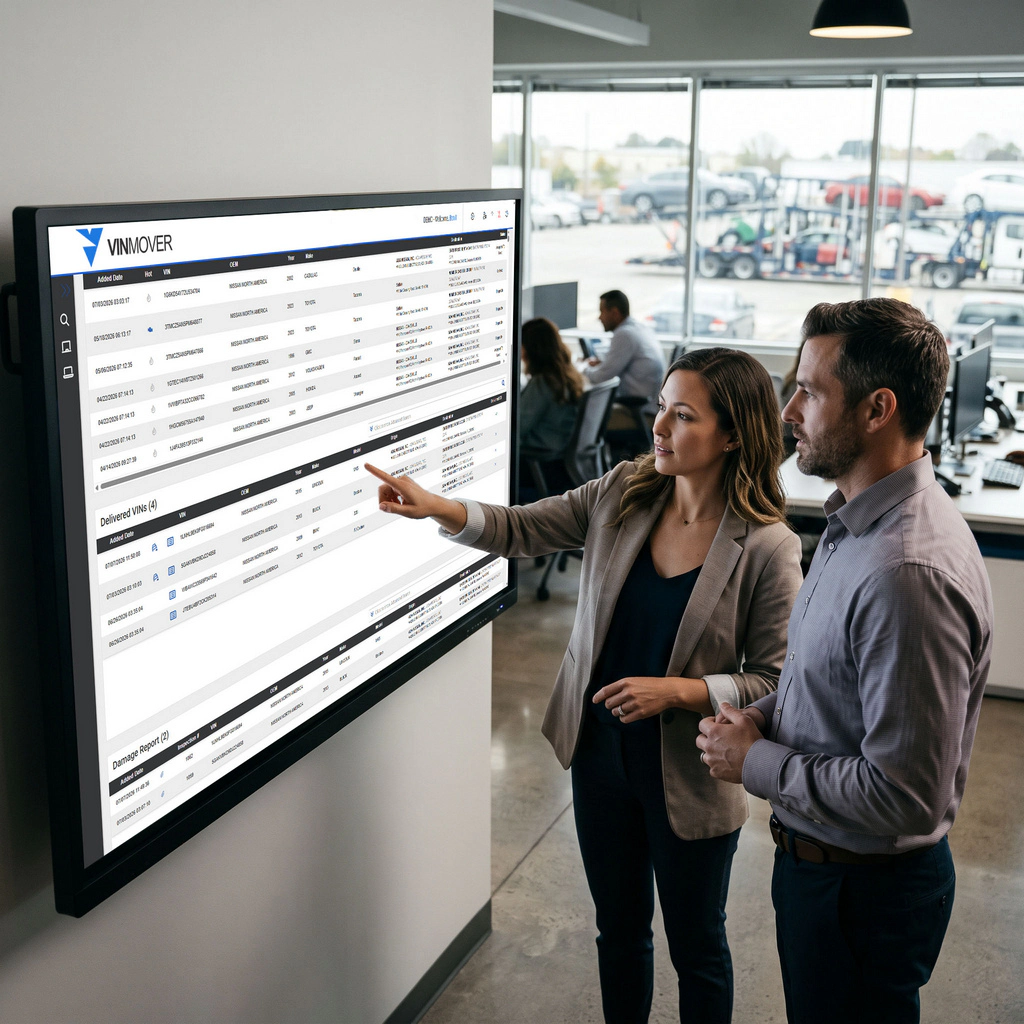
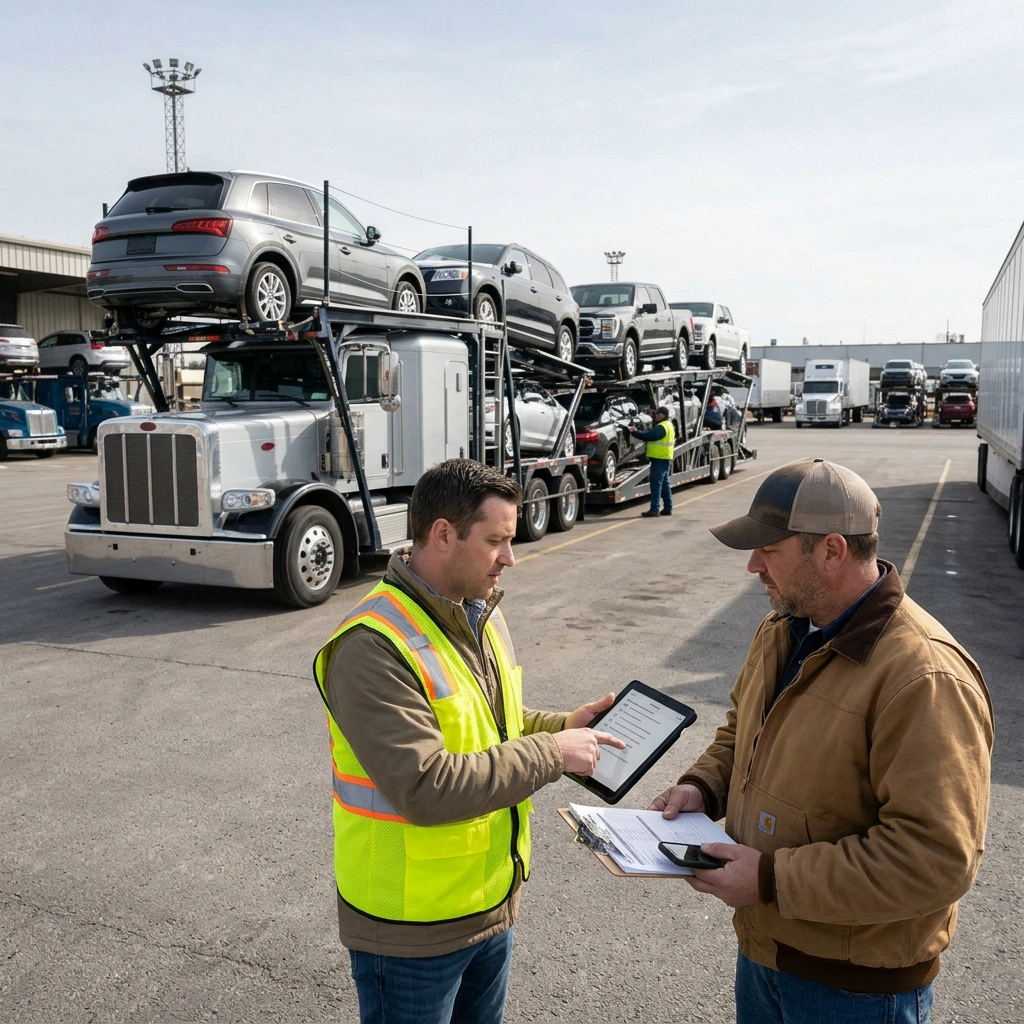
Owner Operators help keep talent in house, allowing aspiring drivers to take on more risk, more opportunities, greater management responsibilities while increasing their potential benefits.
Awarding work to an owner operator is much like working with a subhauler where they arrange the delivery under the Carrier’s terms and the Carrier’s requirements which requires a system to ensure those requirements are effectively shared and the work is done correctly at each step in the process.
The customer needs to receive the service promised regardless of the corporate entity executing the work on the Auto Carrier’s behalf.
Owner Operators get the same visibility to their driver’s activities, documentation, inspections, damages and claims.
Owner Operators can even be given access to internal load boards for self-service dispatching.
Owner Operators have unique operational and accounting needs that can represent burdensome challenges to the organization as a whole. VinMover provides the tools to better manage the complex working scenarios presented with Owner Operators.
Key features
- Work Assignment and VisibilityGive Owner Operators access to their assigned loads and relevant transportation details.
- Driver Activity Tracking Monitor Owner Operators driver activities and progress throughout the transportation process.
- Documentation Management Provide access to required shipping documents and transportation records.
- Vehicle Inspections View and manage vehicle inspection records.
- Damages Access damage reports, supporting photos, and claim-related information.
- Self-Service Dispatching Allow Owner Operators to access designated load boards and manage available work independently.
- Centralized Communication Share carrier requirements, customer instructions, and operational updates with Owner Operators.
- Service Compliance Help Owner Operators follow the carrier’s procedures and customer requirements at every stage of transportation.
- Accounting Support Accounting Integrations with Bills and Invoices to schedule and track shared and deferred expenses.
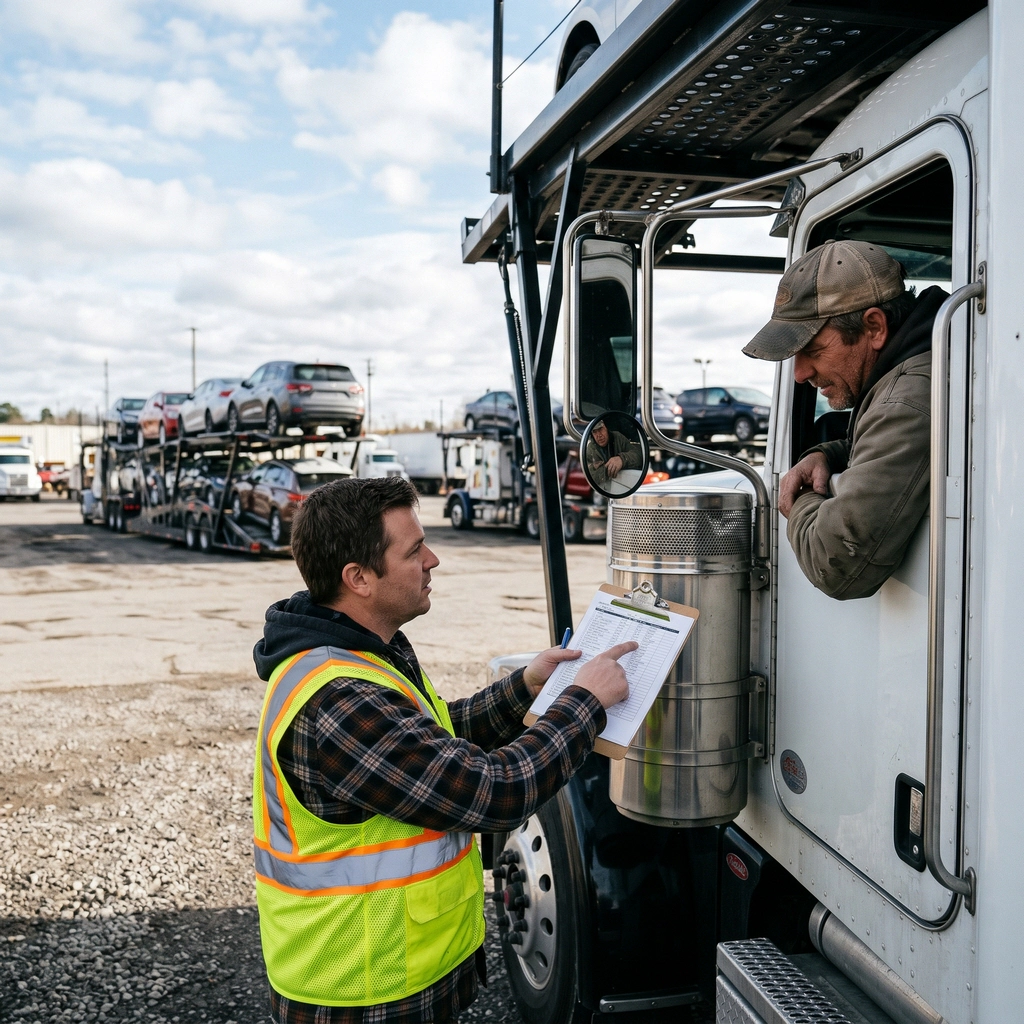

For Subhauler Drivers
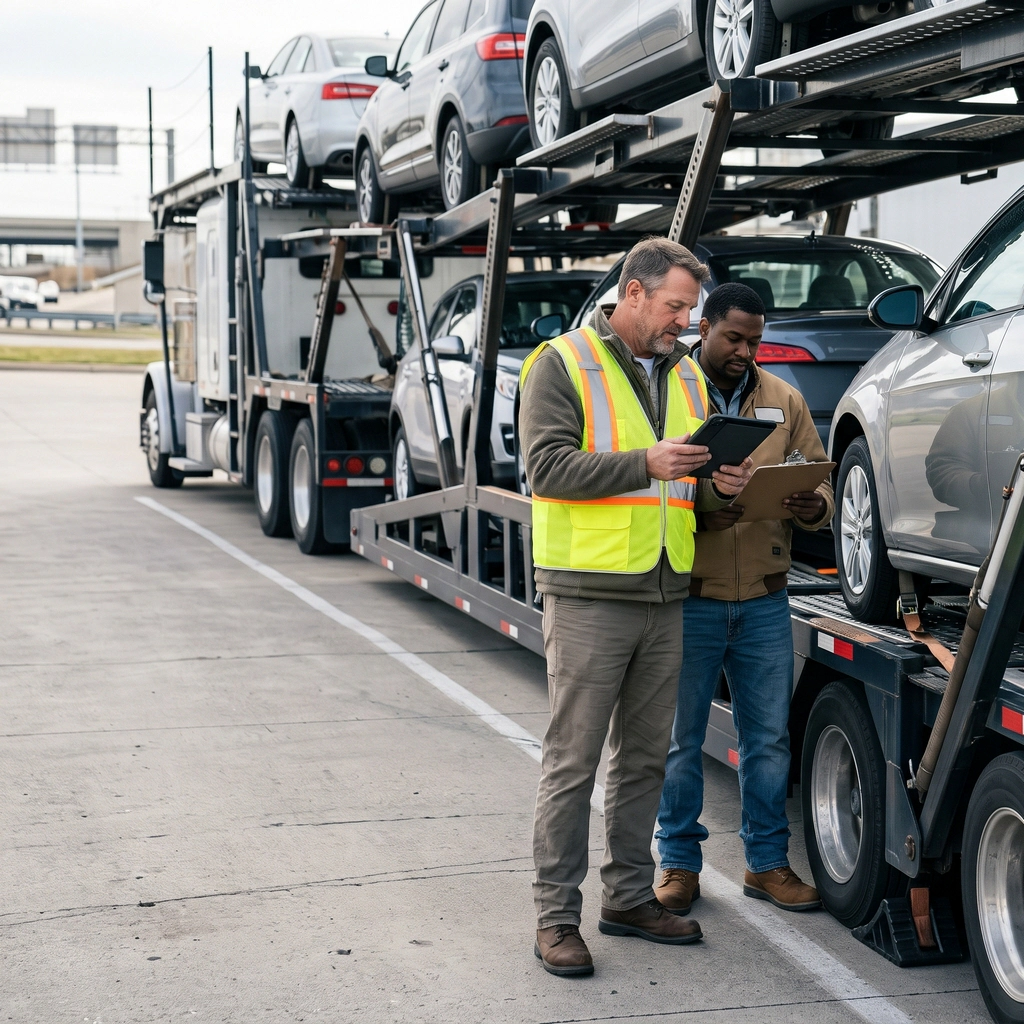
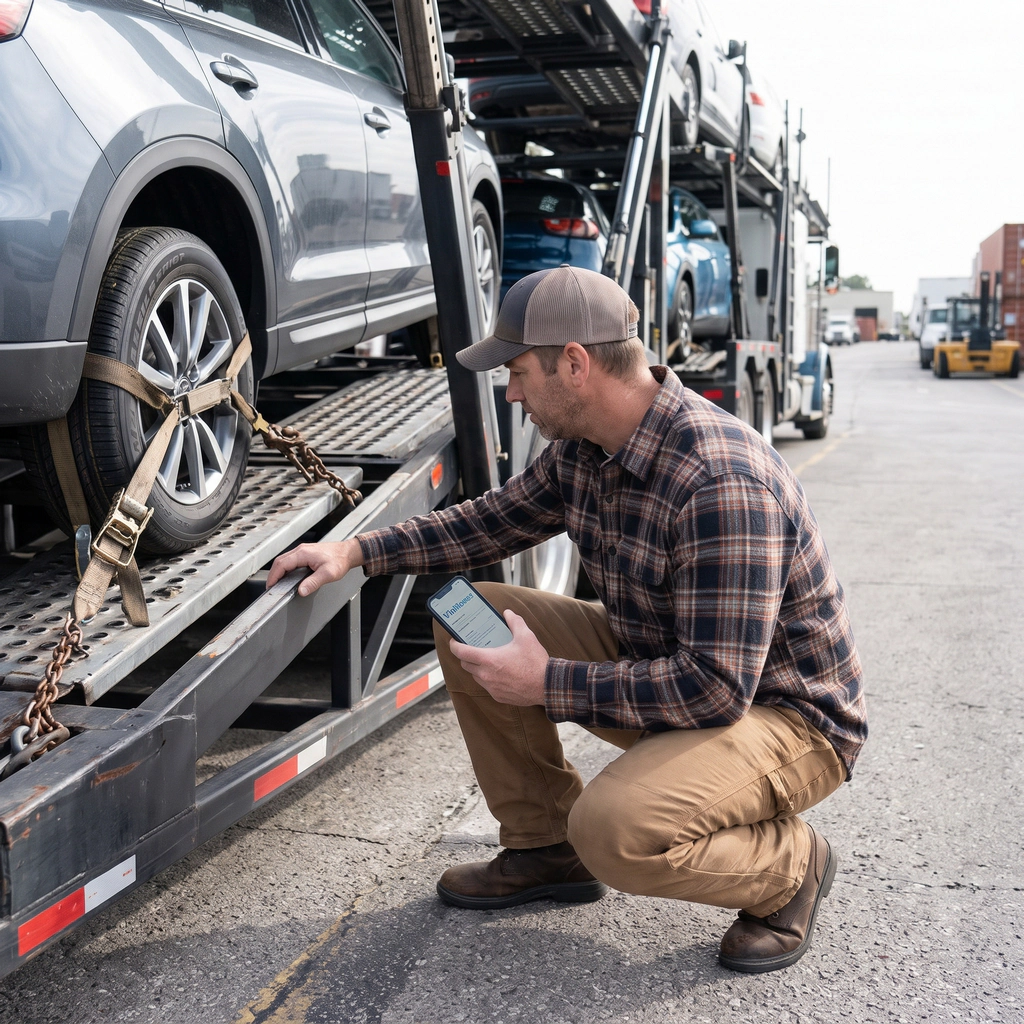
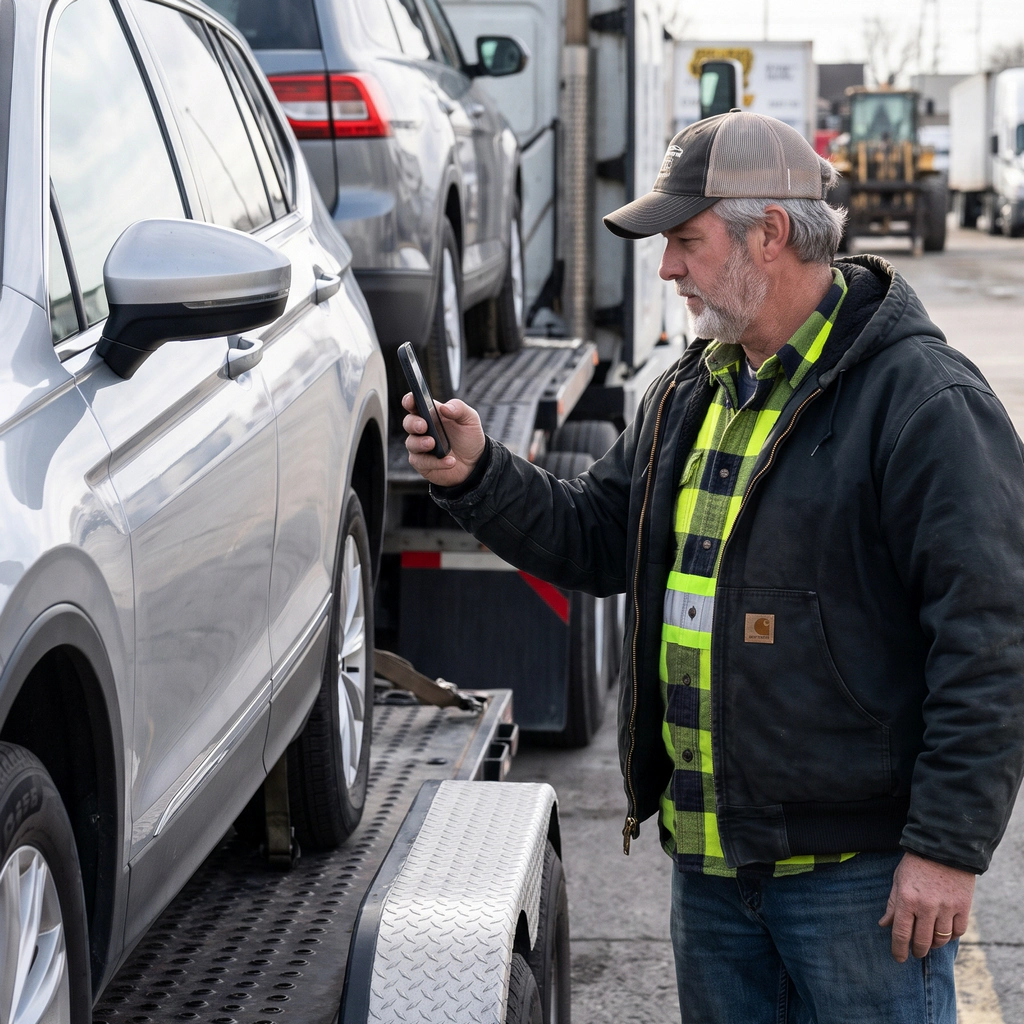
VinMover gives subhauler drivers a clear overview of their assigned loads. From the moment a load is assigned to the final delivery, drivers can access the information they need directly from the app.
The platform shows load details, shipment documentation, pickup and delivery instructions, location requirements, customer specific guidelines and vehicle inspections in one place. Drivers can also document vehicle damages, upload photos, and record relevant details to support claims and ensure better visibility throughout the process.
VinMover helps reduce unnecessary communication and make daily operations more efficient. Subhaulers can easily manage their responsibilities, record completed work, and keep their host informed ensuring their quick payment.
Key features
- Assigned Load Overview View assigned loads and access relevant information throughout the transportation process.
- Shipment Documentation Access the documents required for pickup, transport and delivery.
- Pickup and Delivery Instructions View location details, delivery requirements and customer-specific guidelines.
- Vehicle Inspections Complete vehicle inspections and record relevant information.
- Damage Reporting Document vehicle damage, upload photos and add details to support claims.
- Work Status Updates Record completed activities and keep the host carrier informed of progress.
- Centralized Information Access Find load details, instructions and documentation in one place, reducing the need for additional communication.
For Company Drivers
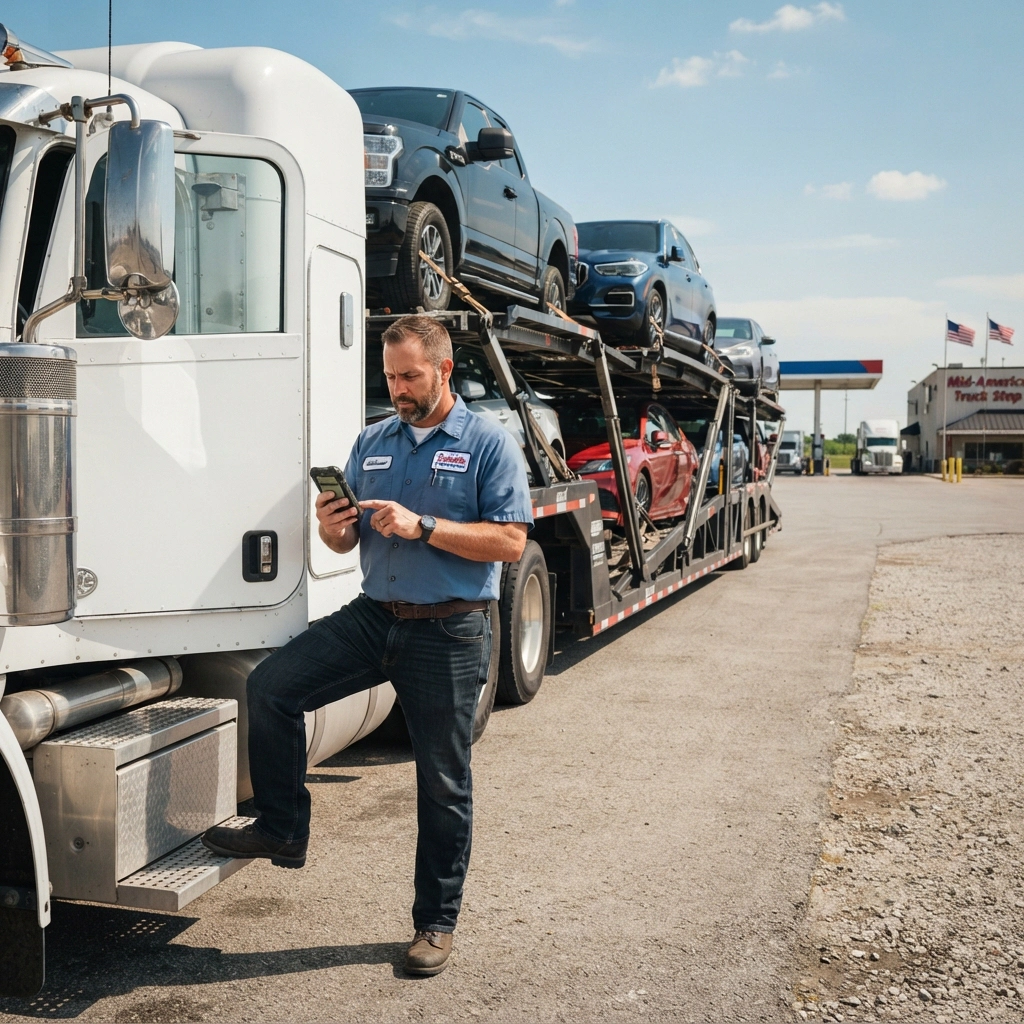
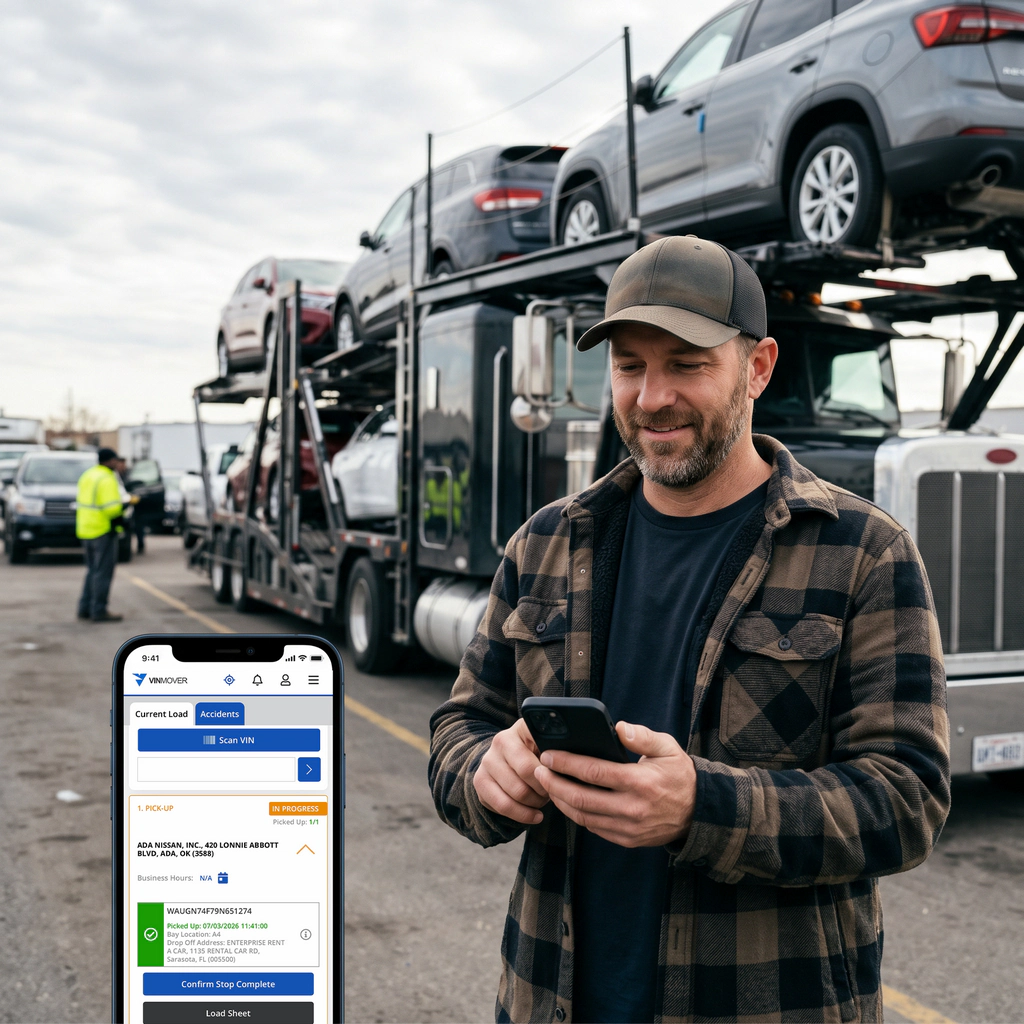
VinMover gives company drivers the tools they need to manage their assigned loads, follow customer requirements, and keep track of their work throughout the transportation process. From pickup to final delivery, drivers can access essential load details and record completed work directly in the app.
The platform offers visibility on assigned work, shipment documentation, pickup and delivery instructions, location-specific guidelines and customer loading requirements in one place. Drivers can also complete vehicle inspections, document damages, upload photos and record relevant information to support claims and maintain accurate shipment records.
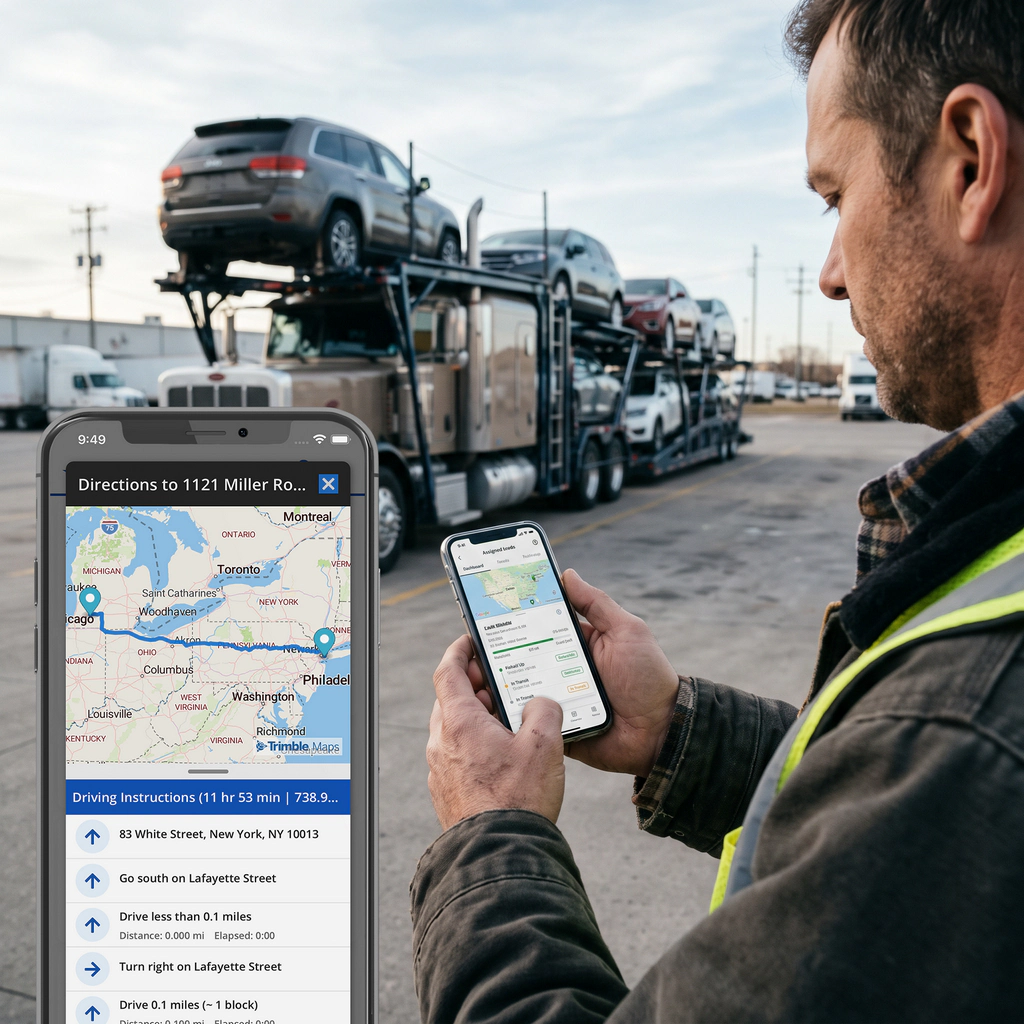
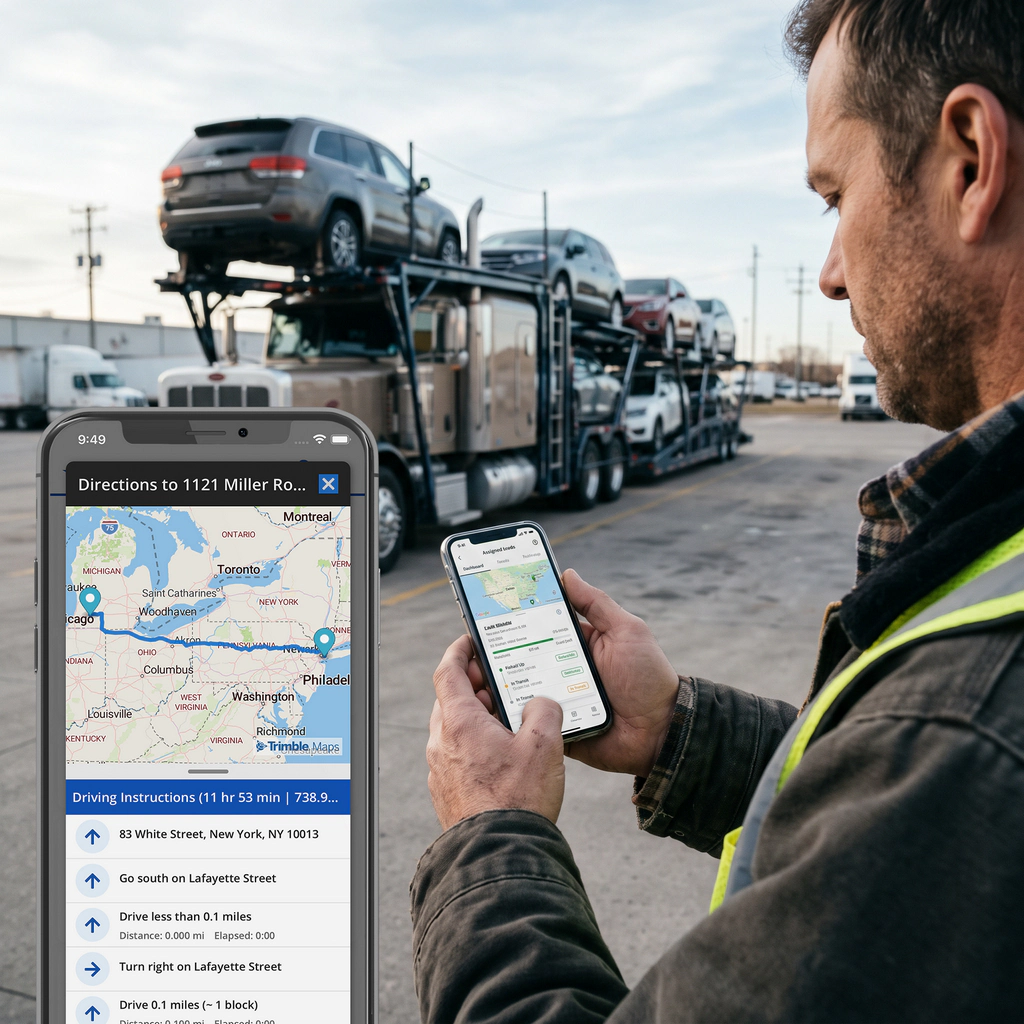
On demand PCMiler/Trimble trucking specific driving directions, mileages, and estimated trip times.
Ability to submit reimbursements requests, receipt submissions and claiming of per-diem benefits.
VinMover also provides drivers with access to payroll details and paid time off (PTO). This gives drivers better visibility on their billing and helps reduce the need for separate communication and administrative follow-ups.
VinMover helps streamline daily workflows, improve recordkeeping and keep drivers and management better connected.
Key features
- Assigned Load Overview View assigned loads and track work throughout the transportation process.
- Shipment Documentation Access the documents needed for pickup, transport and delivery.
- Pickup and Delivery Instructions View location details, customer-specific guidelines and loading requirements.
- Vehicle Inspections Complete vehicle inspections and record relevant information at pickup and delivery.
- Damage Reporting Document vehicle damage, upload photos and add details to support claims.
- Work Tracking Record completed activities and maintain accurate shipment records.
- Payroll Visibility Access payroll details and review payment-related information.
- Paid Time Off (PTO) View relevant PTO information and manage time-off visibility.
- Centralized Information Access Find load details, instructions and documentation in one place, reducing administrative follow-ups and unnecessary communication.
For Owner Operator Drivers
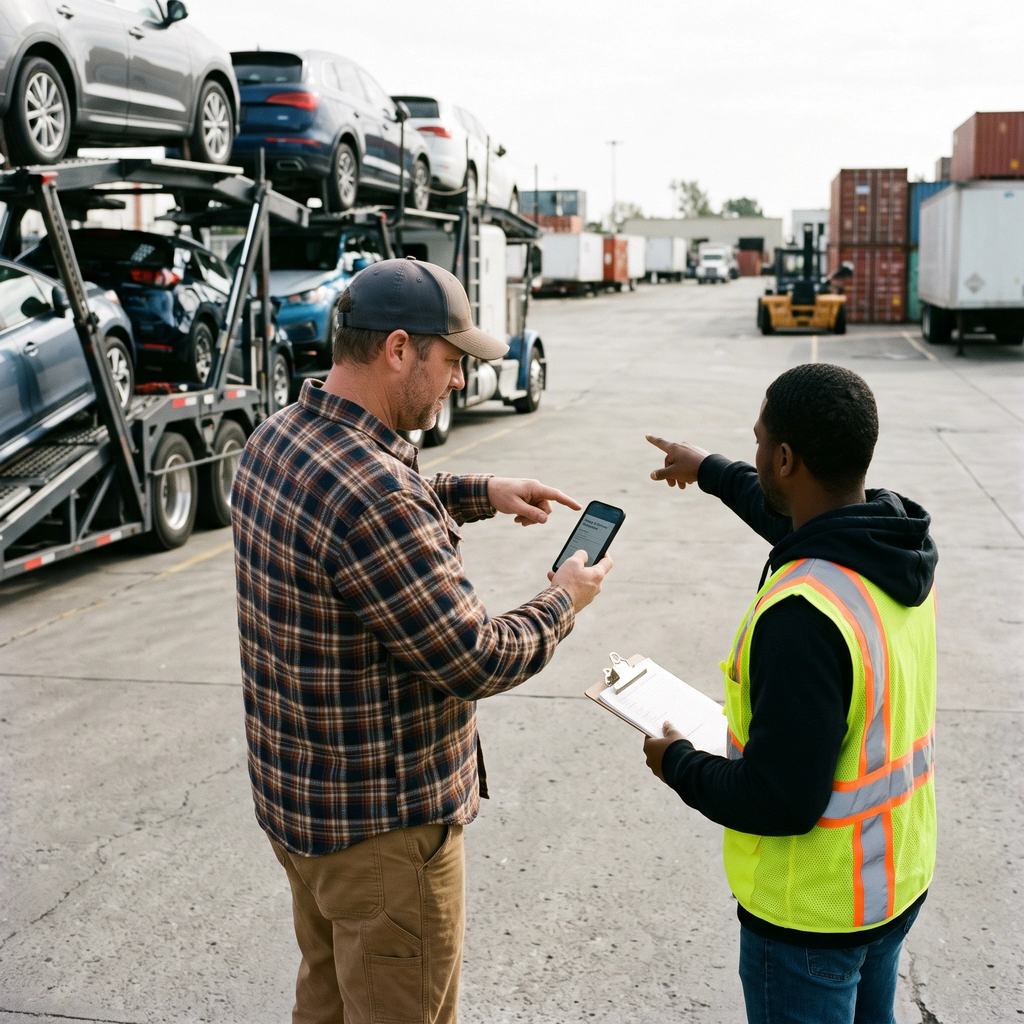
VinMover gives owner operator drivers a clear overview of their assigned loads. From the moment a load is assigned to the final delivery, drivers can access the information they need directly from the app.
The platform shows load details, shipment documentation, pickup and delivery instructions, location requirements, customer specific guidelines and vehicle inspections in one place. Drivers can also document vehicle damages, upload photos, and record relevant details to support claims and ensure better visibility throughout the process.
VinMover helps reduce unnecessary communication and make daily operations more efficient. Owner operator can easily manage their responsibilities, record completed work, and keep their host informed ensuring their quick payment.
Key features
- Assigned Load Overview View assigned loads and access relevant information throughout the transportation process.
- Shipment Documentation Access the documents required for pickup, transport and delivery.
- Pickup and Delivery Instructions View location details, delivery requirements and customer-specific guidelines.
- Vehicle Inspections Complete vehicle inspections and record relevant information.
- Damage Reporting Document vehicle damage, upload photos and add details to support claims.
- Work Status Updates Record completed activities and keep the host carrier informed of progress.
- Centralized Information Access Find load details, instructions and documentation in one place, reducing the need for additional communication.
For Company Dispatchers
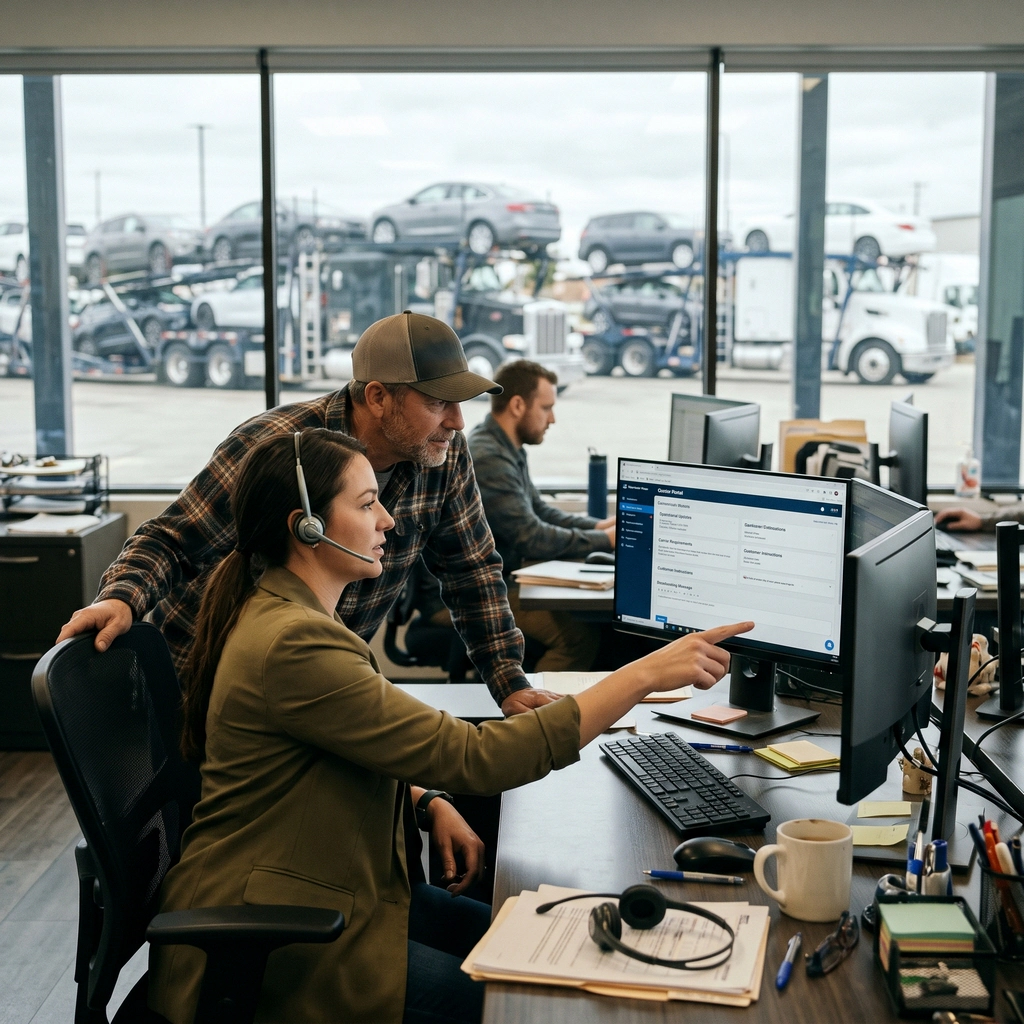
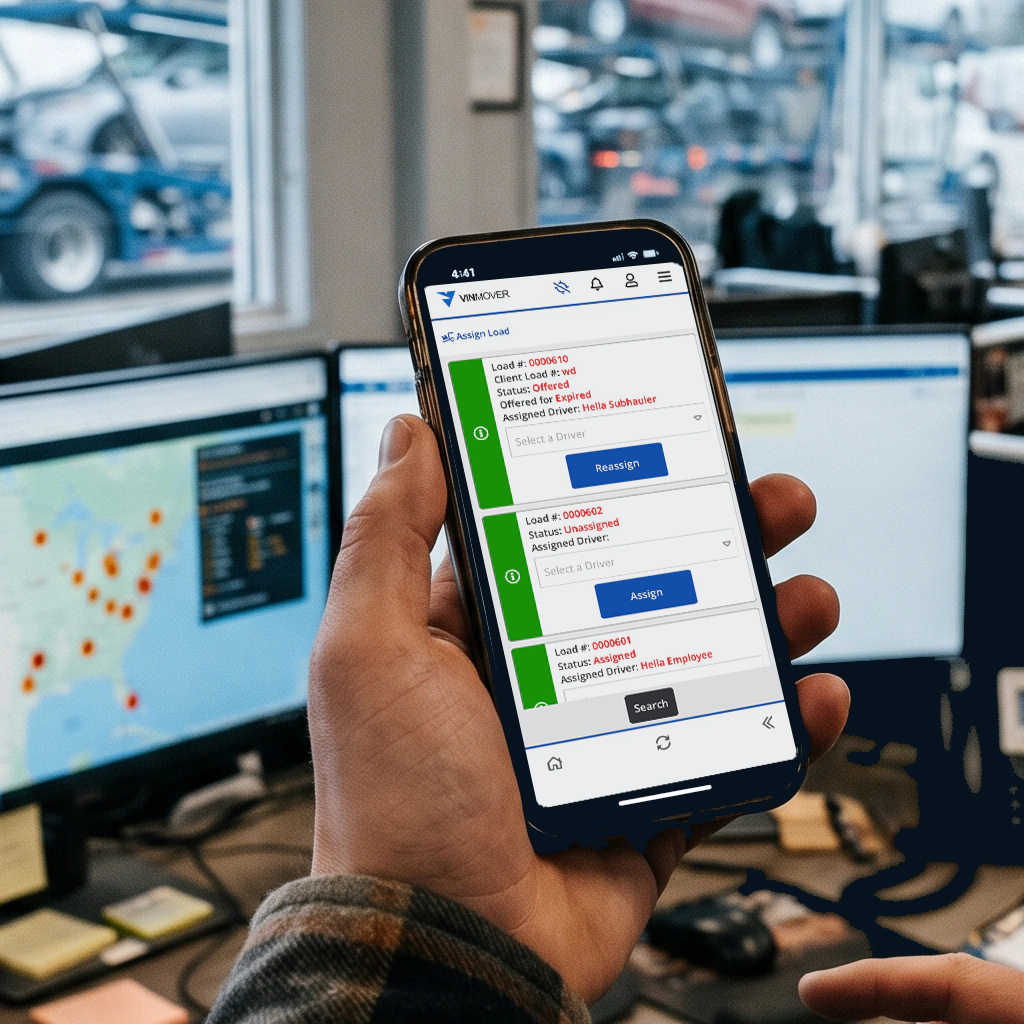
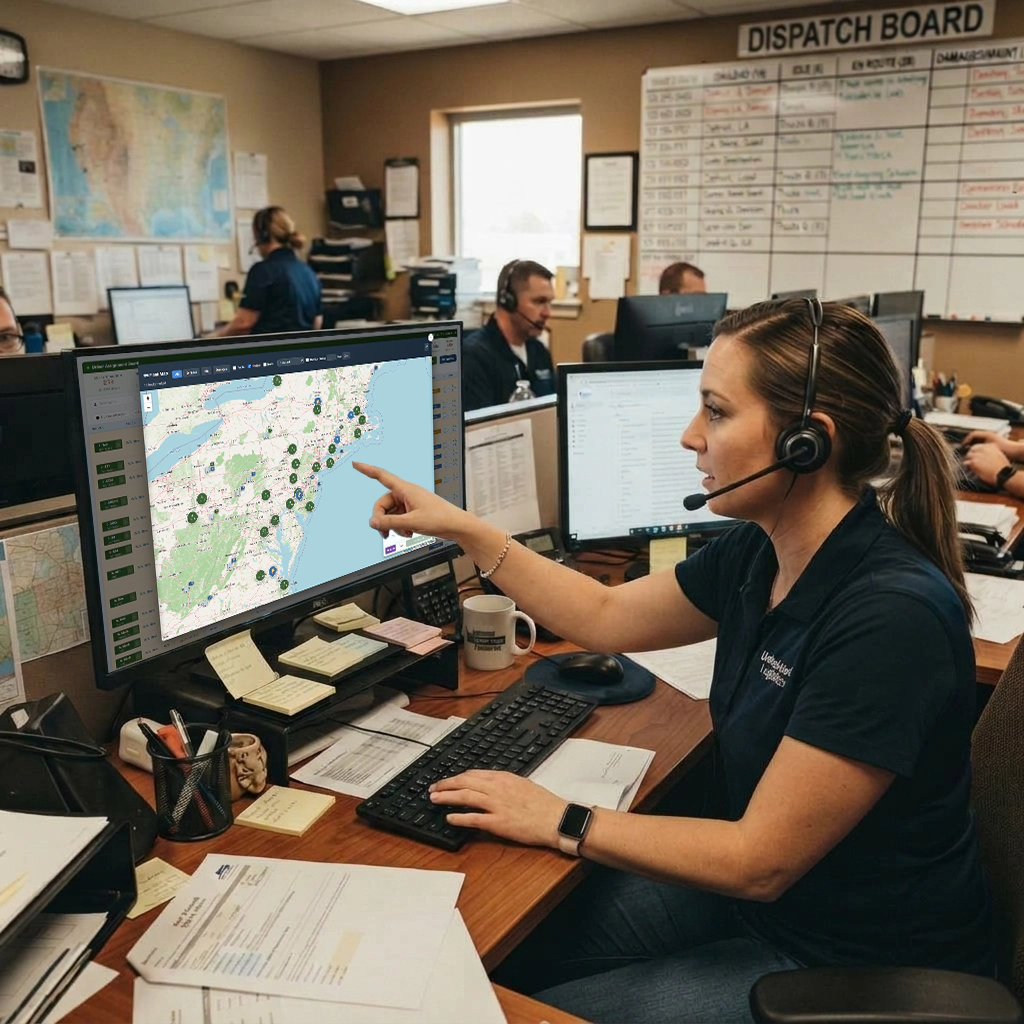
Dispatchers have to deal with everything all at once and are all too often everybody’s first go-to choice, fielding all questions and inquiries even when others in the company would be a better option.
Dispatch is truly a form of black magic using imperfect information to coordinate any number of drivers, trucks and subhaulers to most efficiently move large numbers of vehicles between locations safely and timely.
Dispatchers have to deal with every situation being different with countless problems and limitations. It is a critical role in the company and too much to manage without adequate information allow dispatchers to identify and take advantage of opportunities to optimize the logistics approach. A good dispatch approach gets the job done; an awesome dispatch approach can make the company half again as much revenue with happy customers and happy drivers.
Dispatchers are used to making decisions under pressure, but quick decisions with imperfect information are a compromise that comes with increased risks.
VinMover addresses this challenge by focusing the organization to more effectively and efficiently collect better information making it available to the dispatching team though just in time tools that allow dispatchers to be more focused on the organizational goals favoring the right mix of customer satisfaction, driver satisfaction, fleet safety, effective accounting and profitability.
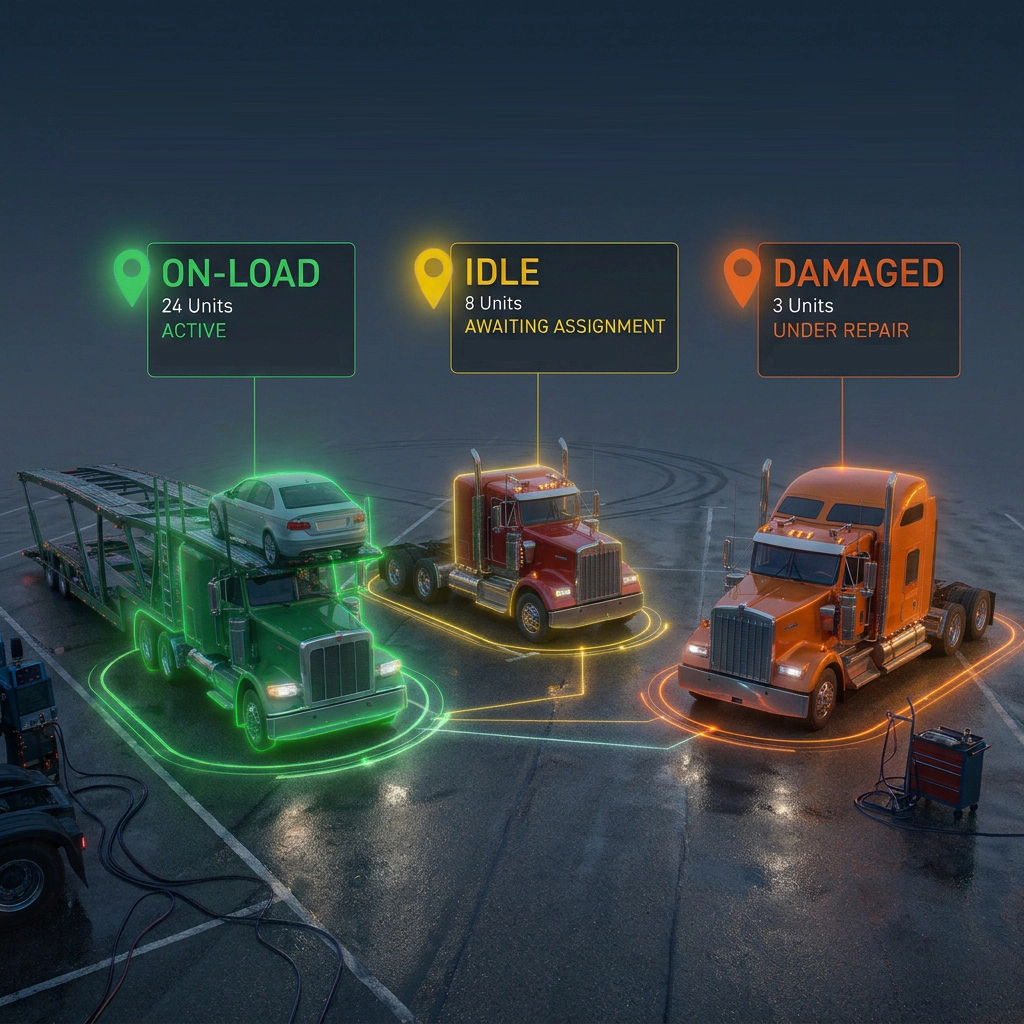
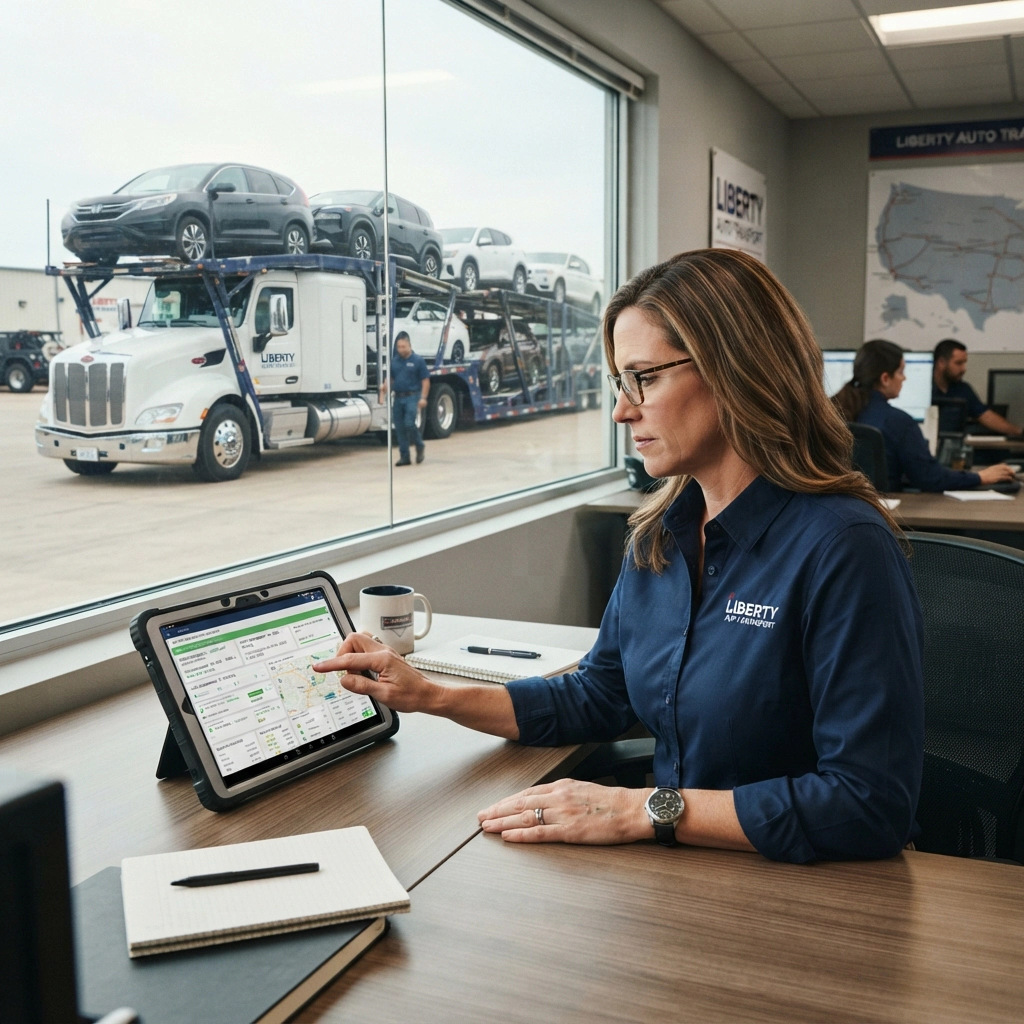
VinMover provides dispatchers with tools that bring fleet information, driver availability and transportation activities into one place. With the Fleet Map, dispatchers can get a visual overview of their fleet, identify vehicles and loads across different locations, and quickly spot opportunities to improve fleet utilization and coordinate transportation more effectively.
When planning and assigning loads, dispatchers can make better decisions, reduce unnecessary communication, and react faster to changes. Whether managing loads, checking available resources or coordinating vehicles across locations, VinMover helps dispatchers manage daily operations more efficiently.
Key features
- Fleet Map View fleet activity and vehicle locations on an interactive map.
- Fleet Status Overview Filter and identify trucks and vehicles based on their current status, including on-load, idle and damaged.
- Driver and Fleet Visibility Access driver and fleet information to better understand resource availability and current assignments.
- Load Planning and Building Select vehicles and organize them into loads to support more efficient transportation planning.
- Route Planning Use route information to help coordinate vehicle movements and improve operational efficiency.
- Load and Vehicle Tracking Monitor loads and vehicles across locations to maintain visibility over ongoing transportation activities.
- Operational Alerts and Exceptions Identify overdue activities and potential issues that require dispatcher attention.
- Improved Resource Utilization Make better use of available drivers, trucks and transportation capacity.
For Billing and Accounting
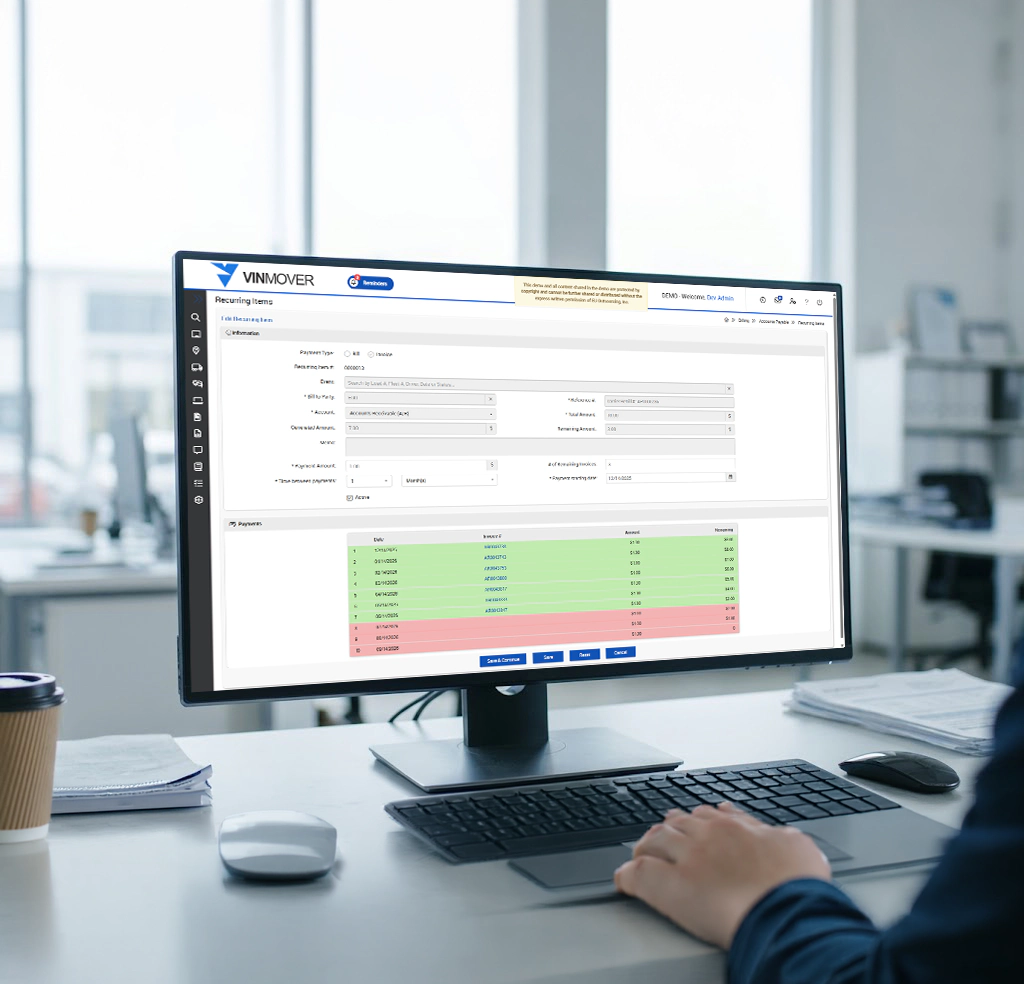
VinMover's billing tools help carriers manage their financial operations by providing a clear overview of invoices, incoming payments and recurring billing items. Users can review invoice details, monitor payment statuses, track outstanding balances and access remittance information to better understand how payments are applied to invoices.
For recurring expenses, VinMover allows users to define payment amounts, schedules and starting dates, while keeping track of amounts already generated and balances still remaining. This helps simplify payment management, improve financial visibility and reduce the effort required to keep billing activities organized.
Key features
- Delivery Invoices View and manage invoices, including invoice dates, due dates, customers, original amounts, payments received and outstanding balances.
- Invoice Status Tracking Monitor invoice statuses to identify invoices awaiting payment review and track their progress.
- Remittance Advice Review remittance records, payment amounts, check numbers, associated VINs and related invoices to support payment reconciliation.
- Recurring Items Management Configure recurring bills or invoices with defined amounts, payment intervals and starting dates.
- Recurring Payment Schedule View scheduled payments, generated bills, amounts paid or generated, and remaining balances.
- Flexible Payment Frequencies Set payment intervals, such as weekly/monthly payments, according to the configured schedule.
- Financial Data Export Export billing information for further analysis, reporting and reconciliation.


For Safety
Auto Carriers are a remote work force. Drivers do not work under strict supervision. They are expected to know the job and do the job inline with industry standards, customer standards, location standards, and company standards. Most of that information is back at the home office decided and shared in meetings the driver did not attend.
VinMover works to get that information to the driver in the field as they are interacting with activities that require that information.
The Mobile App provides drivers with context specific documentation and alerts for such items as load special instructions, yard rules and regulations, location rules and regulations, OEM/Customer Instructions, Vehicle Loading Instructions and Loading Tasks which can be tailored to assist training with reminders targeted at specific drivers needing remediation.
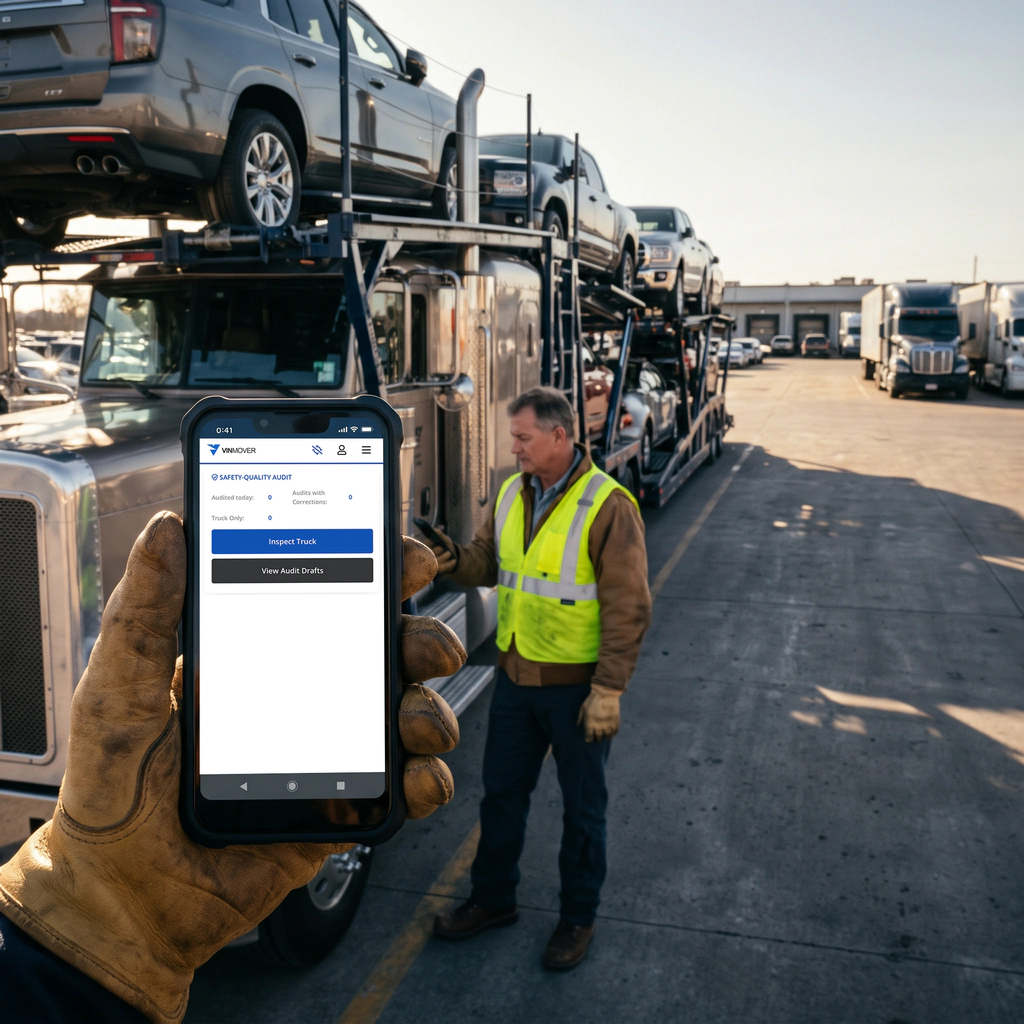
Ongoing training and information access is critical to a safe and effective operation. Activities such as Yard, Ride-Along and Loading Audits ensure drivers training coverage and training opportunities.
Damage score management and load performance grading focus on going training.
Temporary driver restrictions by client, location, make, model, load size all work to help remedy safety concerns.
Key features
- Specific Driver Instructions Provide drivers with relevant safety information and instructions directly in the mobile app.
- Load and Vehicle Safety Instructions Share load-specific requirements, vehicle loading instructions, and loading tasks.
- Yard and Location Safety Rules Give drivers access to yard regulations, location-specific requirements, and operating procedures.
- OEM and Customer Requirements Make customer-specific instructions and standards available to drivers when needed.
- Driver Alerts and Reminders Notify drivers of important instructions and provide targeted reminders to reinforce safe practices.
- Safety Audits Conduct yard, ride-along, and loading audits to assess driver compliance and identify training opportunities.
- Damage and Load Performance Scoring Monitor vehicle damage scores and load performance to identify areas for improvement.
- Driver Restrictions Apply temporary restrictions based on customer, location, vehicle make or model, and load size to address specific safety concerns.
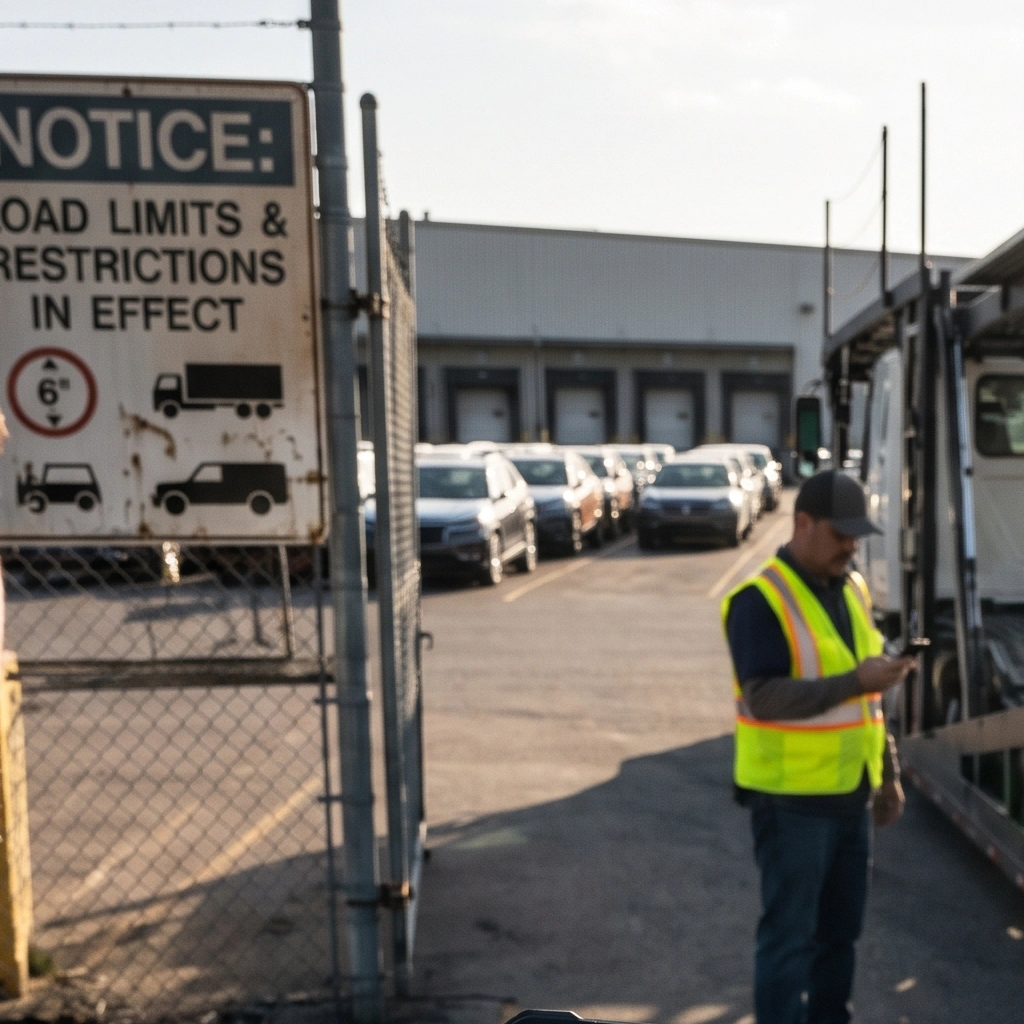
For Compliance
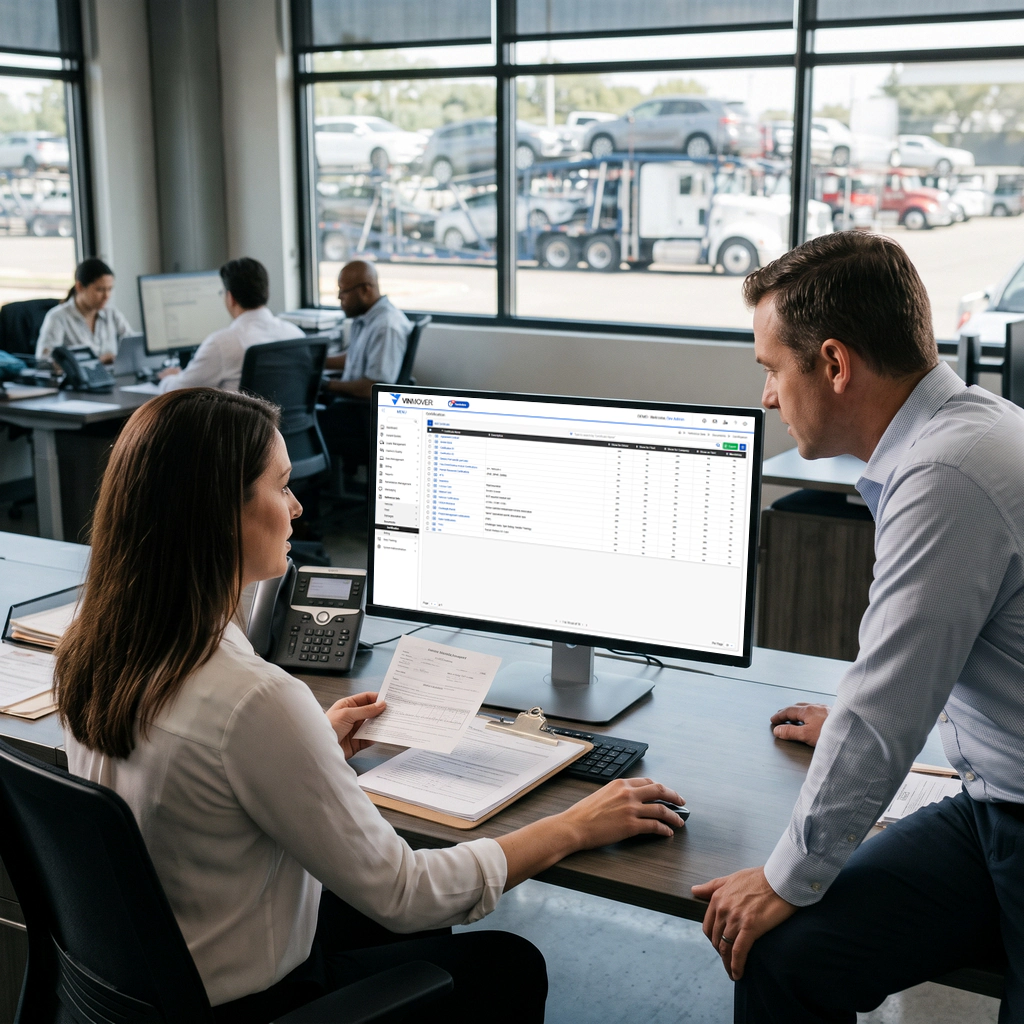
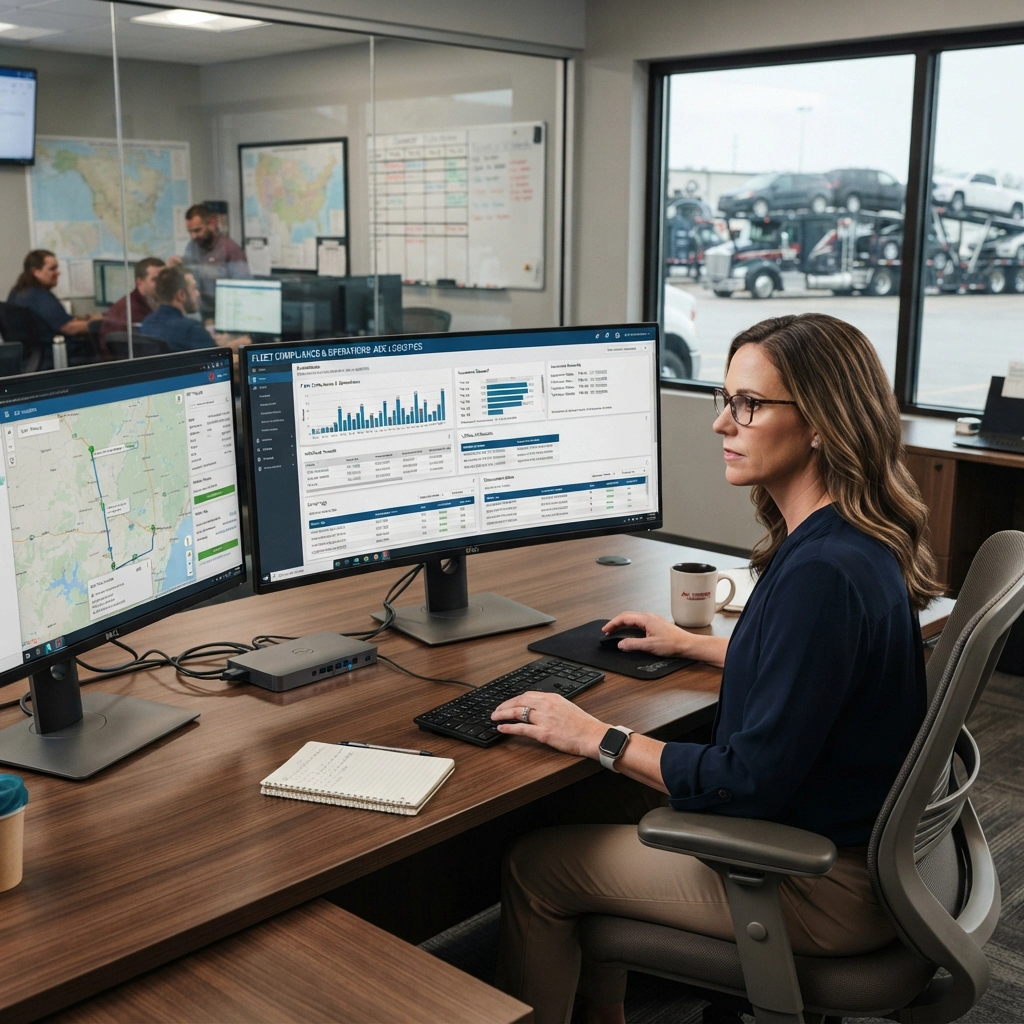
Compliance is an important part of running a profitable Auto Carrier business. Missing deadlines, expired certifications or insurance coverage issues can lead to fines, failed audits and unnecessary costs.
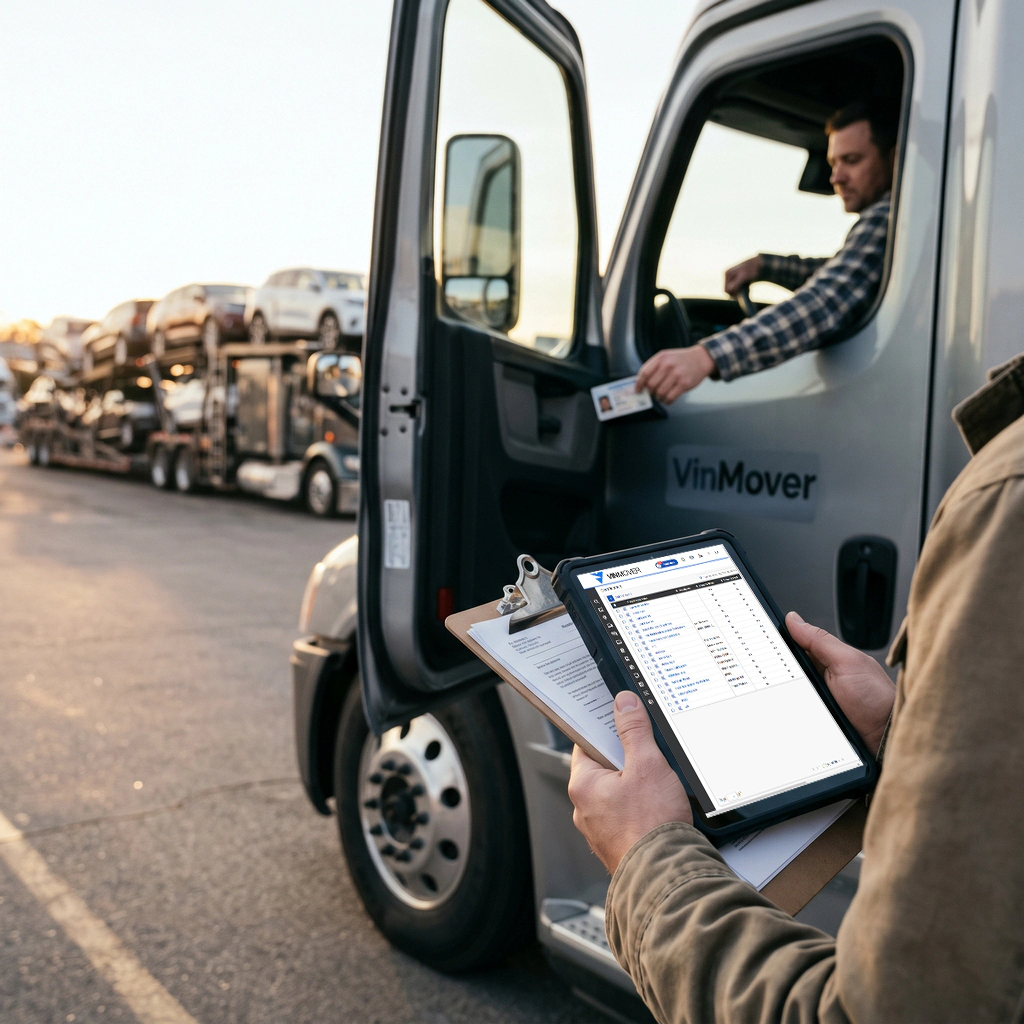
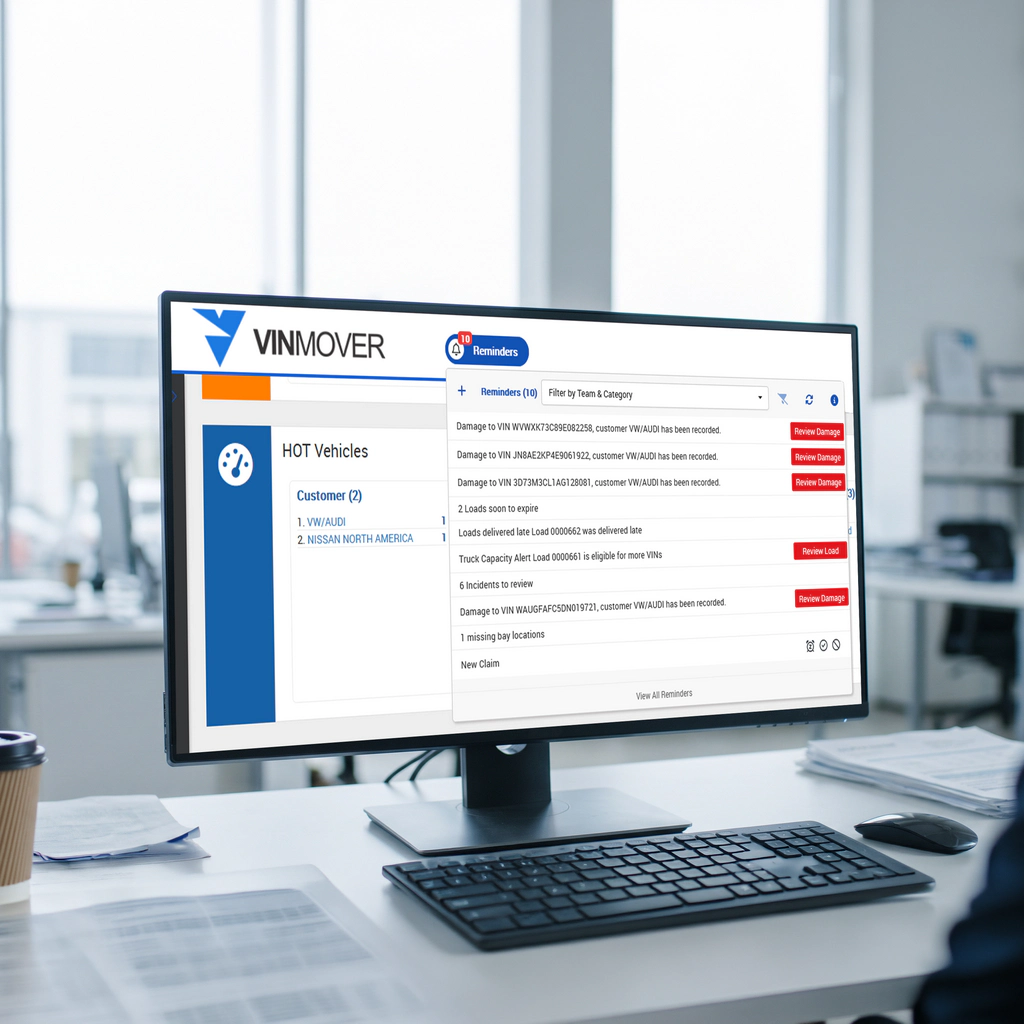
VinMover helps carriers monitor compliance across their operations, from meeting customer SLAs to keeping driver and subhauler documentation up to date. For example, carriers can track pickup deadlines, such as collecting a vehicle within three days of its arrival at the yard and identify any delays before they become SLA violations.
Driver's license expiration dates and subhauler insurance coverage are also important parts of compliance. Keeping this information visible helps carriers identify potential issues and act before they affect operations.
VinMover can also use GPS location data to support delivery verification. When a driver marks a vehicle as delivered, the recorded location can help confirm where the driver was at that time. This provides better visibility into delivery reporting and helps identify discrepancies, such as a delivery being marked long after it actually took place.
VinMover helps carriers stay informed, address issues earlier and reduce the risk of fines, while protecting their operational profitability.
Key features
- SLA Monitoring Track pickup and delivery deadlines and identify shipments at risk of missing customer requirements.
- Driver Certification Tracking Monitor driver's license/medical card expiration dates and other required driver documentation.
- Subhauler Compliance Track subhauler insurance coverage and identify missing, expired or insufficient documentation.
- GPS-Based Delivery Verification Compare the driver's reported delivery time with the recorded GPS location to help verify delivery activity and identify any discrepancies.
- Compliance Alerts Highlight upcoming deadlines, expiring documents and potential compliance issues that require attention.
For Fleet Management
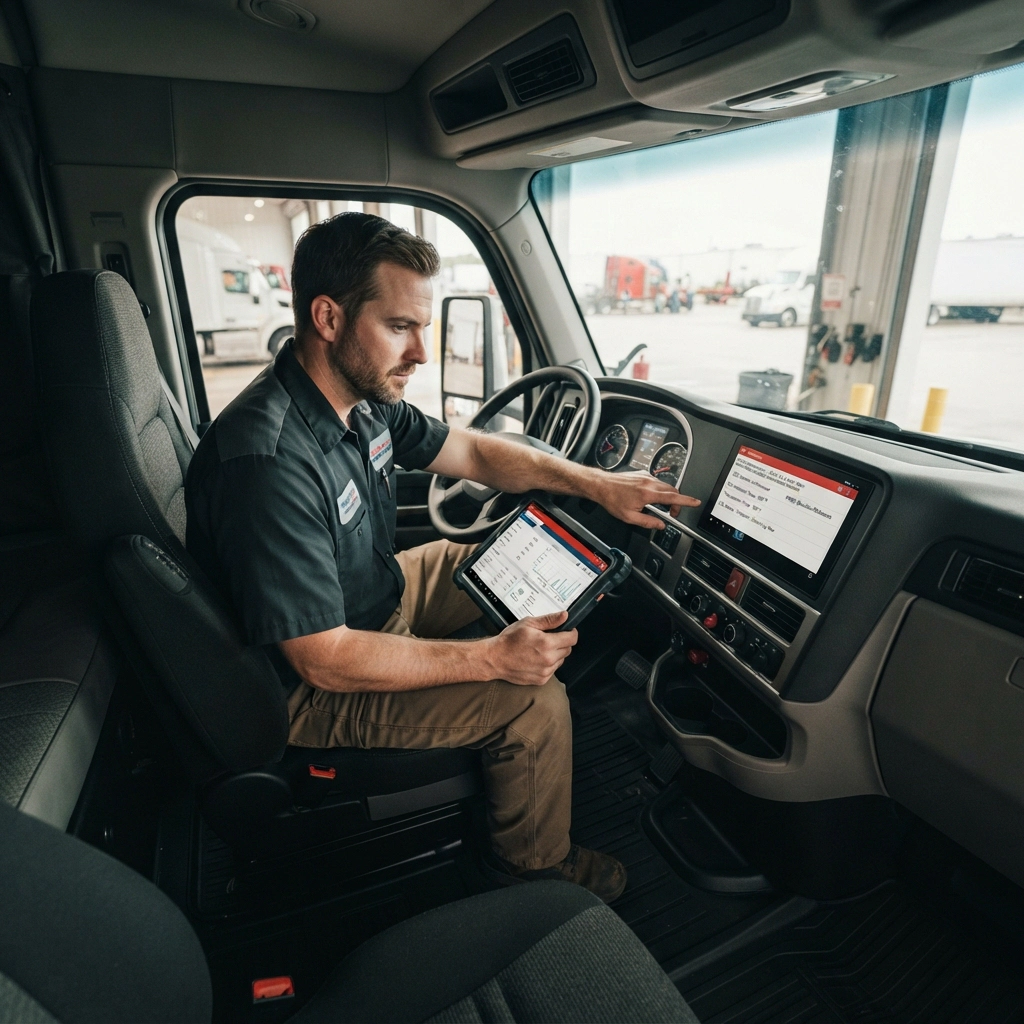
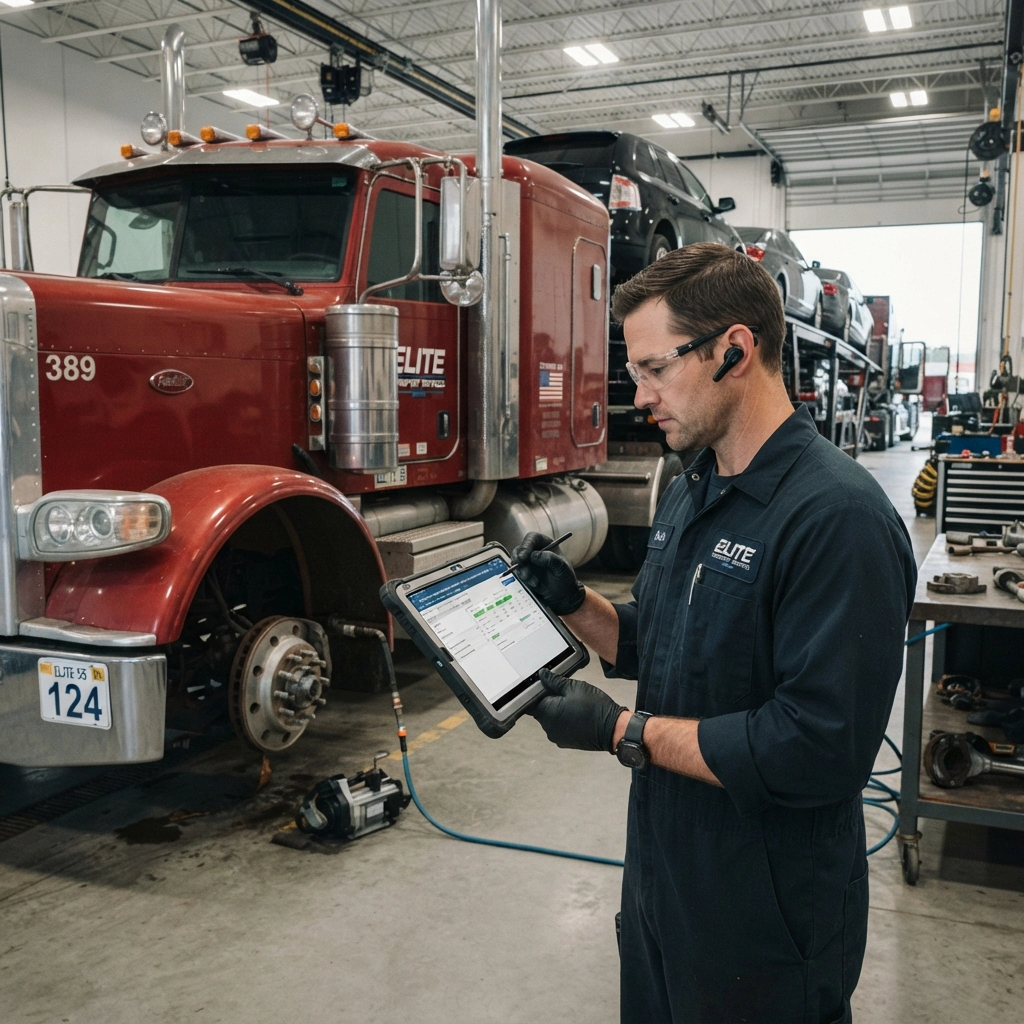
The Fleet is the tool of the trade and needs to be maintained and managed in a way that ensure proper quality operation, accountability, and ensure compliance with all laws, regulations, and operating requirements.
Cataloging and managing an equipment fleet effectively is critical to an Auto Carrier. Maintaining updated related documentation, scheduling preventative maintenance, tracking and approving maintenance and repairs, track all driver assignments, track all DVIRs, DVERs with associated work orders, track display and report on all engine codes, and ELD data, maintain general notes and comments.
VinMover gives carriers a clear overview of their fleet, helping them manage trucks, trailers, driver assignments, and related documentation in one place. Each fleet record provides access to important details, including vehicle specifications, capacity, ownership, insurance, and associated costs.
he platform also helps carriers keep track of fleet certifications and expiration dates, making it easier to identify documents that need attention. By centralizing fleet information, maintenance records, and operational data, VinMover helps carriers improve visibility, control costs, and keep their equipment ready for daily operations.
Key features
- Fleet Overview View and manage trucks, trailers, and other fleet equipment in one place.
- Driver and Equipment Assignments Track driver assignments and connections between trucks and trailers.
- Fleet Status and Location View equipment availability, current status, and location information.
- Certification Tracking Manage fleet certifications, insurance records, effective dates, and expiration dates.
- Maintenance and Repairs Track maintenance activities, repairs, and related work orders.
- Vehicle Inspection Records Maintain inspection records, including Driver Vehicle Inspection Reports (DVIRs) and Driver Vehicle Examination Reports (DVERs).
- Fleet Costs Track acquisition costs, insurance expenses, payments, and remaining balances.
- Vehicle Diagnostics Keep records of engine codes and available Electronic Logging Device (ELD) data.
- Fleet Notes and Records Store relevant comments and additional information to support fleet management.
For Driver Management
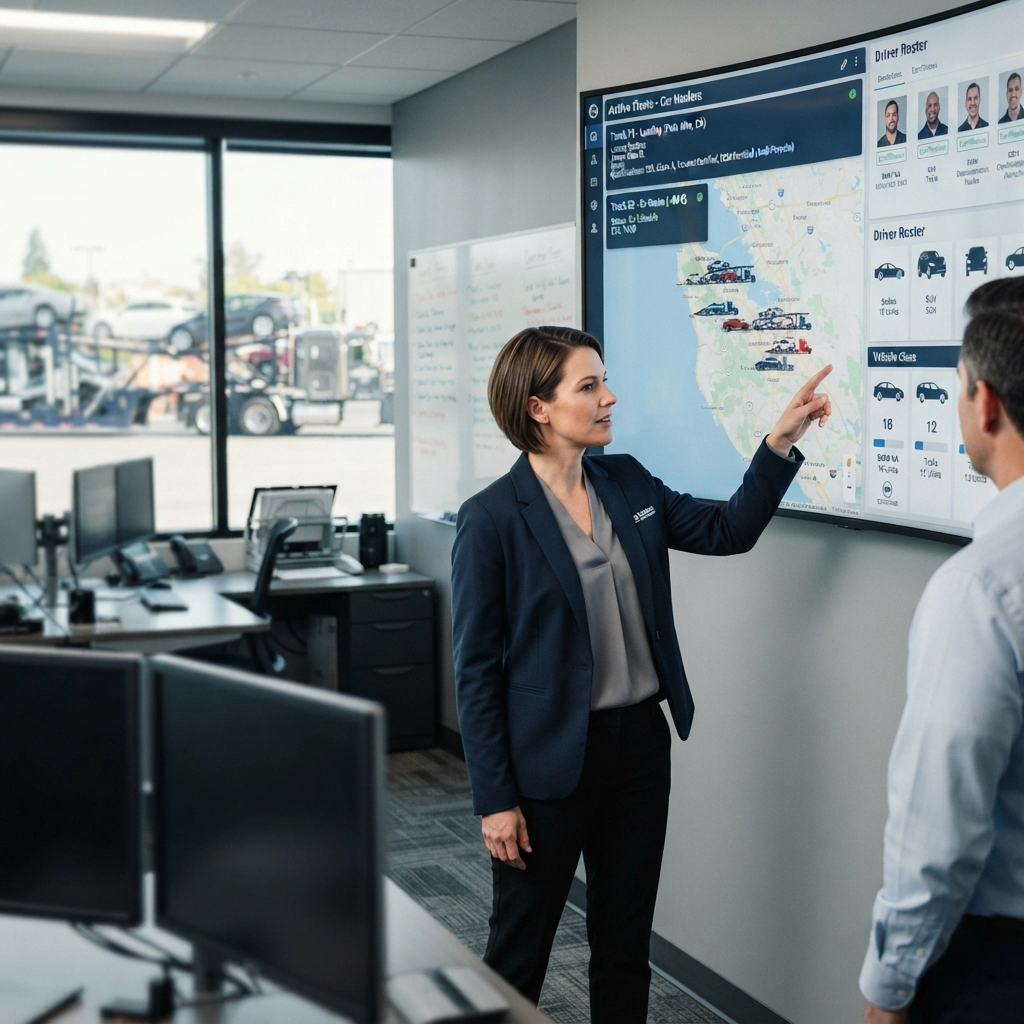
Effective driver management is essential to maintaining consistent performance, operational efficiency, and high service standards. VinMover helps auto carriers manage the entire driver lifecycle, from training and work assignments to performance evaluation, recognition, and corrective action when needed.
The platform helps carriers determine which drivers are qualified to handle specific customers, including OEMs, as well as different load sizes, vehicle classes, makes, models, and routes. By analyzing driver performance and experience, carriers can make better assignment decisions and ensure that the right drivers are assigned to the right jobs.
With greater visibility into driver qualifications, training needs, and performance, management teams can identify areas for improvement, recognize strong performance, and provide training where necessary. This helps support continuous improvement and maintain service quality across operations.
Key features
- Driver Profiles and Qualifications Maintain driver information, qualifications, experience, and training records.
- Customer and Job Eligibility Define driver eligibility based on specific customers and OEMs, load sizes, vehicle classes, makes, models, and routes.
- Driver Performance Evaluation Monitor driver performance to identify strengths and areas for improvement.
- Training and Development Identify training needs and help drivers meet customer and operational requirements.
- Recognition and Rewards Recognize drivers who demonstrate strong performance and consistently meet service standards.
- Corrective Actions Address performance issues through targeted follow-up and additional training.

For Damage and Claims Management
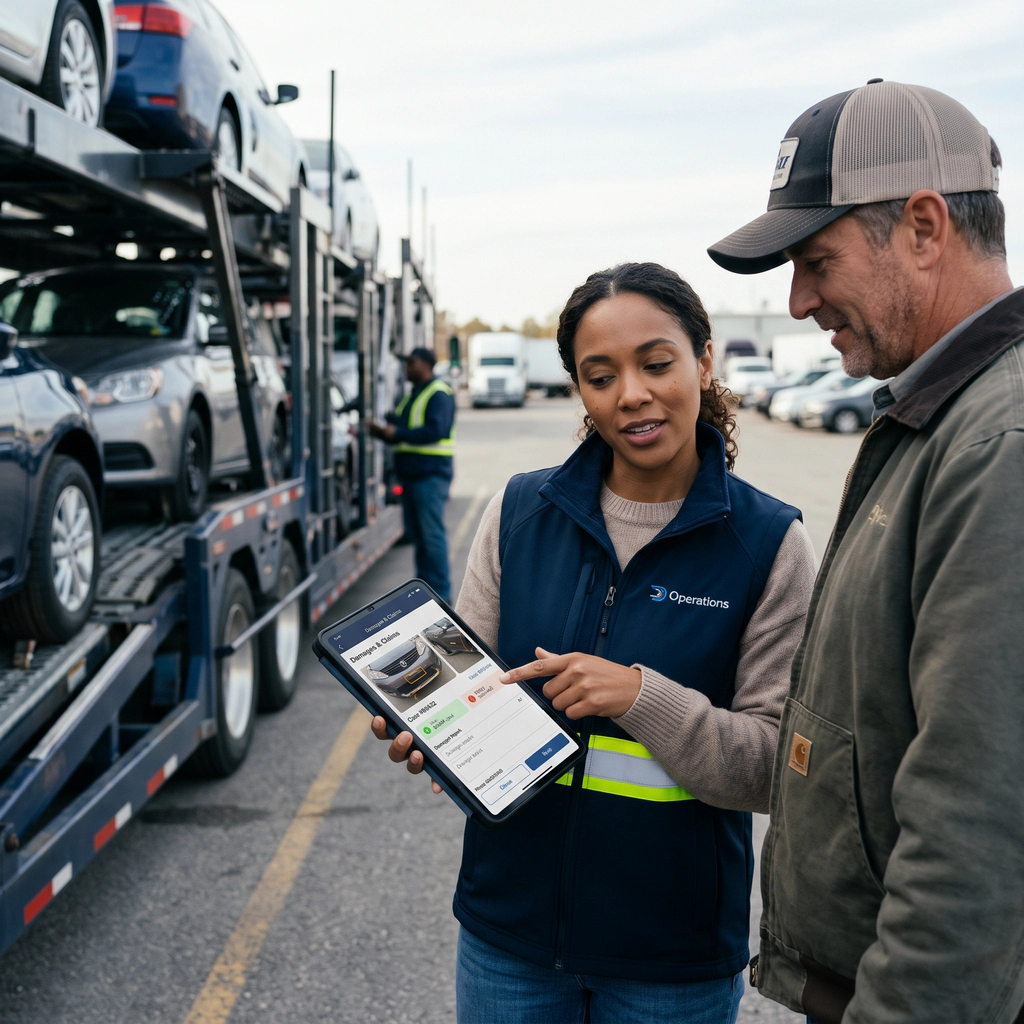
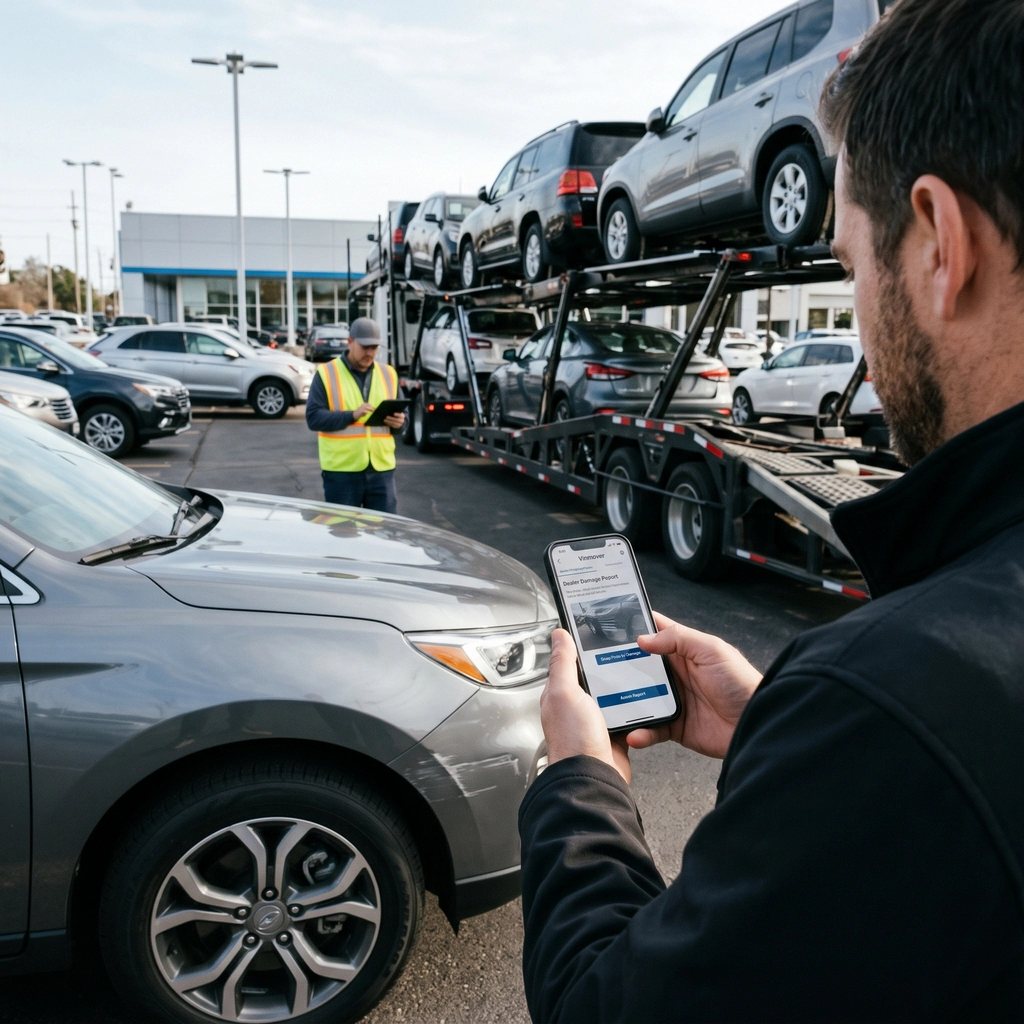
Managing vehicle damage reports and claims is an important part of protecting an auto carrier's operations and financial performance. When dealers report vehicle damages, carriers need a clear way to review each incident, determine the responsible patry, and decide whether to accept or dispute the resulting claim.
Vinmover provides a centralized platform for tracking dealer-reported damages and managing the claims review process. Each incident can be reviewed with vehicle, shipment, customer, origin, destination, and driver information, giving carriers the context they need to investigate and make informed decisions.
The platform helps carriers identify damage paterns across customers, locations and drivers. With dedicated reporting and filtering options, management teams can monitor damage trends, identify recurring issues, and better understand where improvements may be needed.
When a reported damage becomes a claim, carriers can review the available information and supporting documentation, then decide whether to accept or dispute the claim.
By bringing damage reporting, incident review, and claims management together, Vinmover helps carriers maintain better control over damage-related costs, make informed decisions, and protect their relationships with dealers and customers.
Key features
- Dealer Damage ReportsCentralized visibility into vehicle damages reported by dealers and customers.
- Claims Review & ManagementReview reported incidents and manage claims through the acceptance or dispute process.
- Vehicle & Load TrackingView damage incidents by vehicle or load for a clearer understanding of each case.
- Damage ReputationMonitor damage statistics and identify recurring issues by customer, origin, destination, and/or driver.
- Advanced Search & Filtering Filter incidents by date and other relevant criteria to quickly locate specific damage reports.
- Performance Monitoring Identify damage trends and recurring problem areas to better understand where improvements may be needed.
For Storage Lot Management
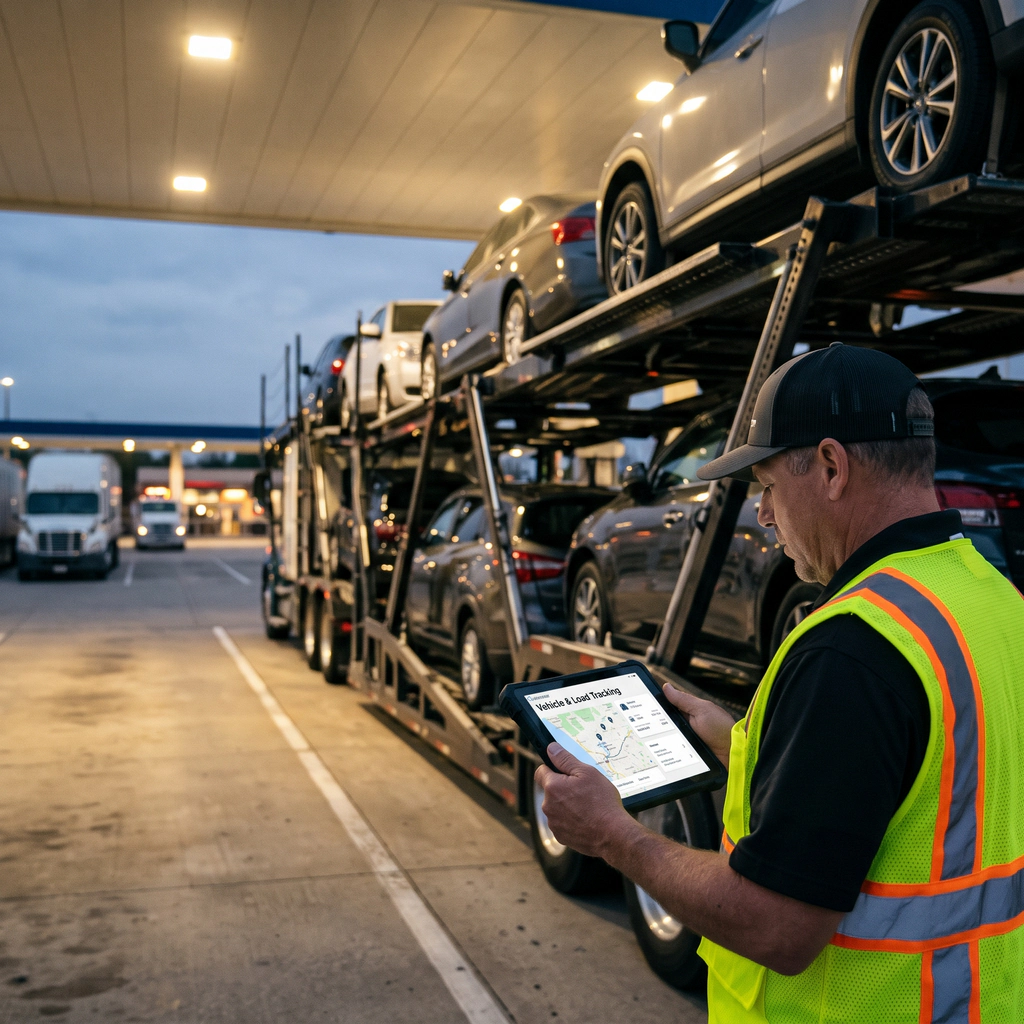
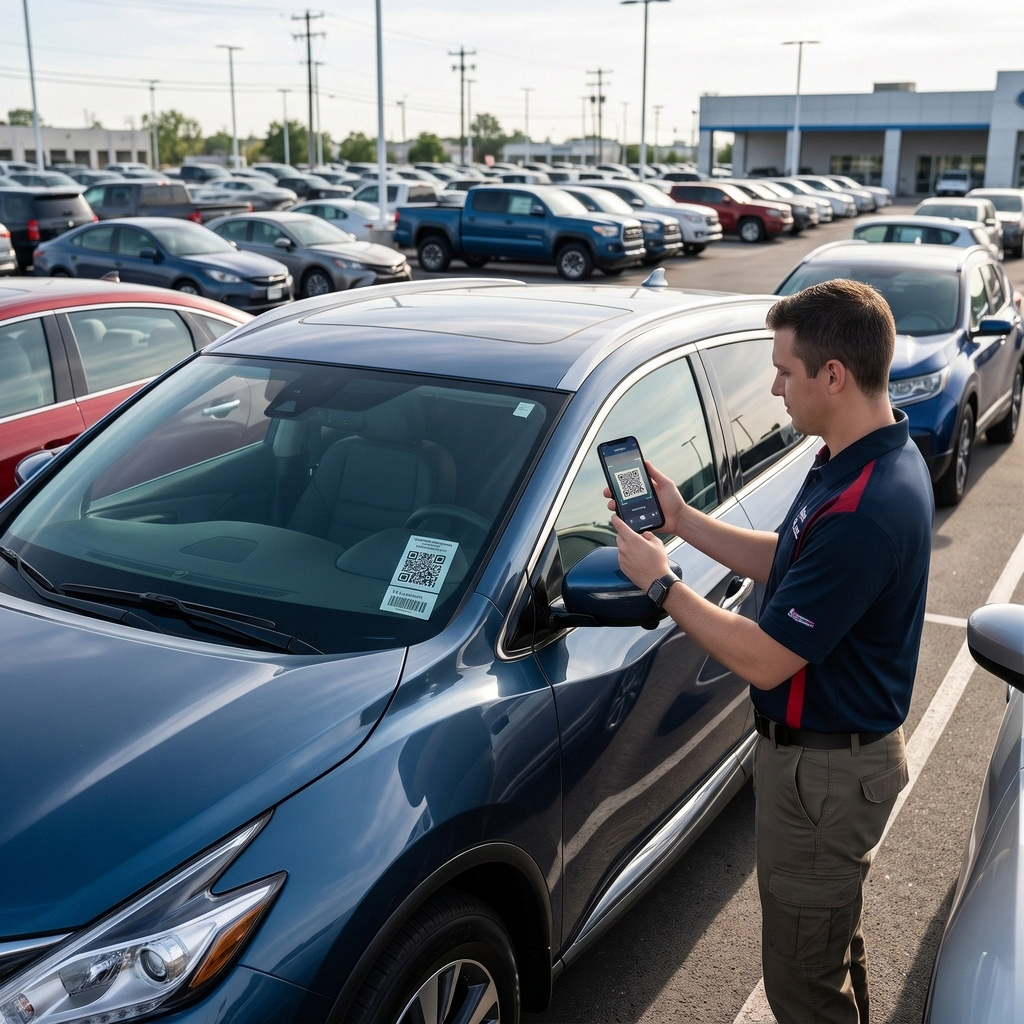
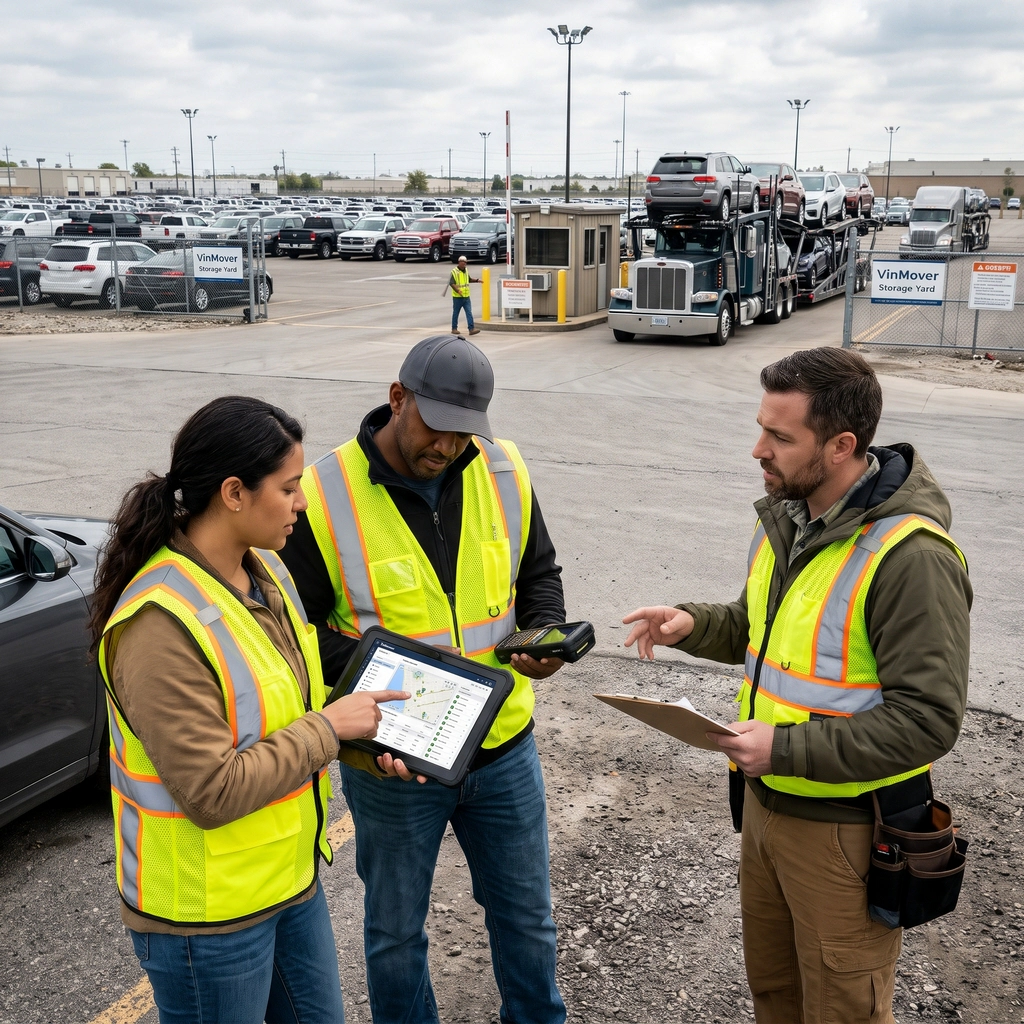
It is often required for vehicles to be temporarily stored in a secure yard before moving to their next destination. VinMover’s Storage Lot Management module helps streamline these operations by providing the tools needed to manage vehicle arrivals, inspections, storage locations based on vehicle size and available yard capacity, and departures in one place.
From the moment a vehicle enters the yard, dispatch can record its arrival, inspect the vehicle and assign it to an appropriate storage location. It helps gatekeepers, inspectors, and yard personnel to ensure that each vehicle is properly documented and accounted for throughout its stay.
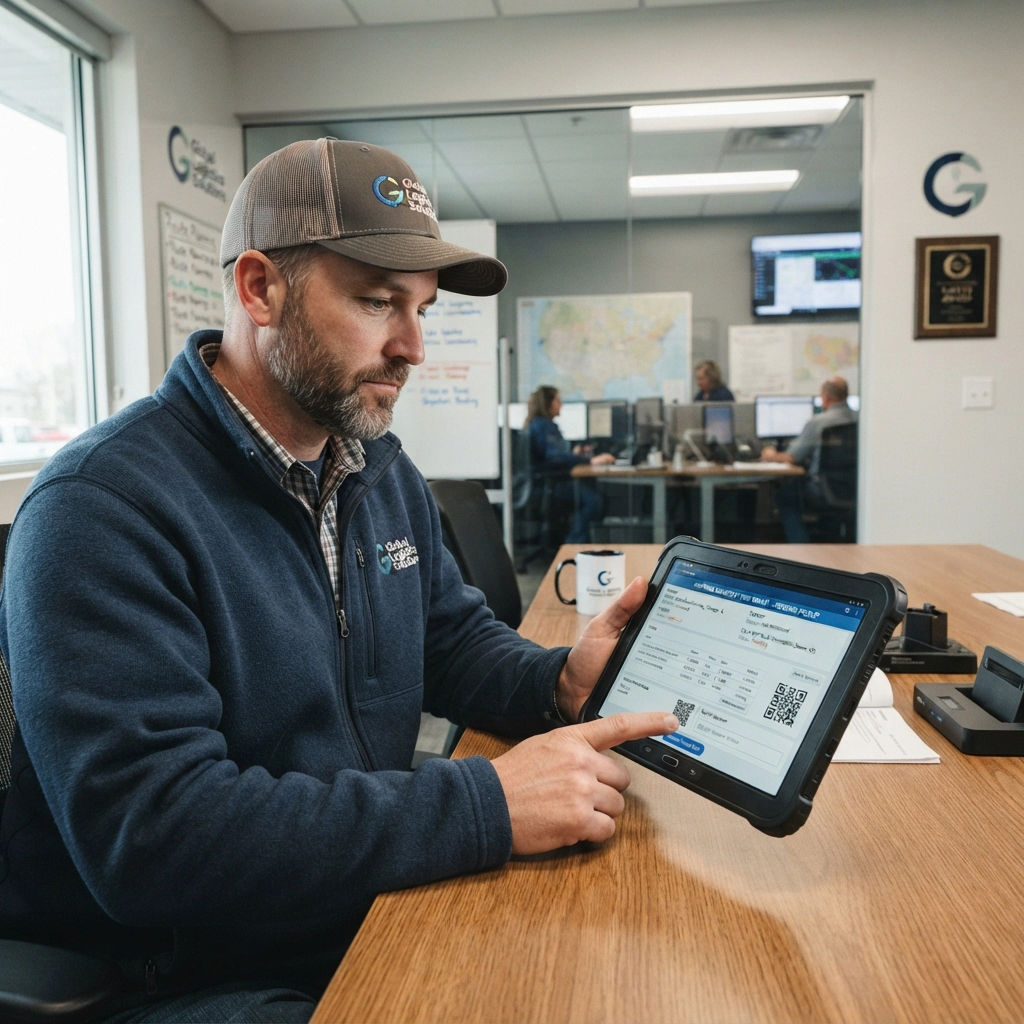
The platform offers vehicle identification through VIN scanning and QR codes and records photos and damages.
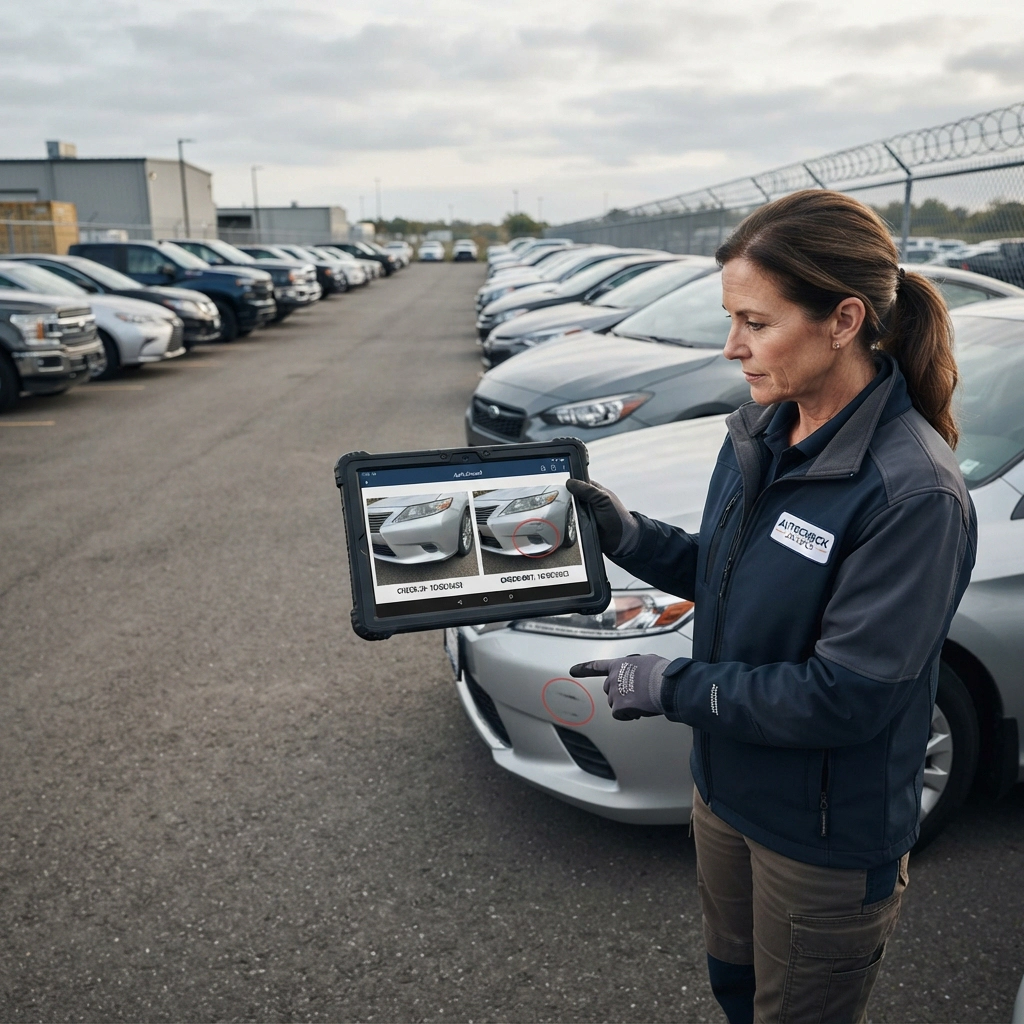
By maintaining a clear record of vehicle condition at arrival and departure, VinMover helps support damage claims and reduces disputes between carriers and storage facilities.
Key features
- Vehicle Check-In Record incoming vehicles and document their arrival.
- Vehicle Identification Identify vehicles using VIN scanning and QR codes.
- Vehicle Inspections Record vehicle condition, photos, and damages.
- Storage Location Assignment Assign vehicles to suitable locations based on vehicle size and available yard capacity.
- Inventory Tracking Monitor stored vehicles and their current locations.
- Vehicle Check-Out Record departures and document vehicle condition before release.
- Damage Comparison Compare vehicle condition at check-in and check-out to identify new damages and support claims.
- Yard Operations Coordination Help gatekeepers, inspectors, dispatchers, and yard personnel coordinate storage activities.
For Business Development
Business is tough, competitive, and risky. Great businesses leverage their unique capabilities to differentiate themselves with their customers, proving their ability to provide the best quality services at the most competitive pricing.
Data needs to flow, systems need to integrate and the software needs to support the current processes, people, and procedures that your company uses to most effectively support your unique business advantage, situation and circumstances.
Software should help the company preform the current activities better, assisting in streamlining the activities that work, and providing tools to address the activities that require closer management.
Tools like VinMover’s Estimator Tool or Reporting and Analysis add-on.
When your business needs to change, your software needs to be adjusted accordingly.
VinMover is ready to make those unique modifications to support your corporate evolution. Each VinMover customer uses an independent copy with exclusive customizations ensuring the VinMover software fits the organization perfectly providing a competitive advantage.
- Estimator Tool Help build rates based on PCMiler miles, travel time and tolls. Upload a spreadsheet of origins and destination and VinMover updates it with miles, travel time, and tolls for better estimate building.
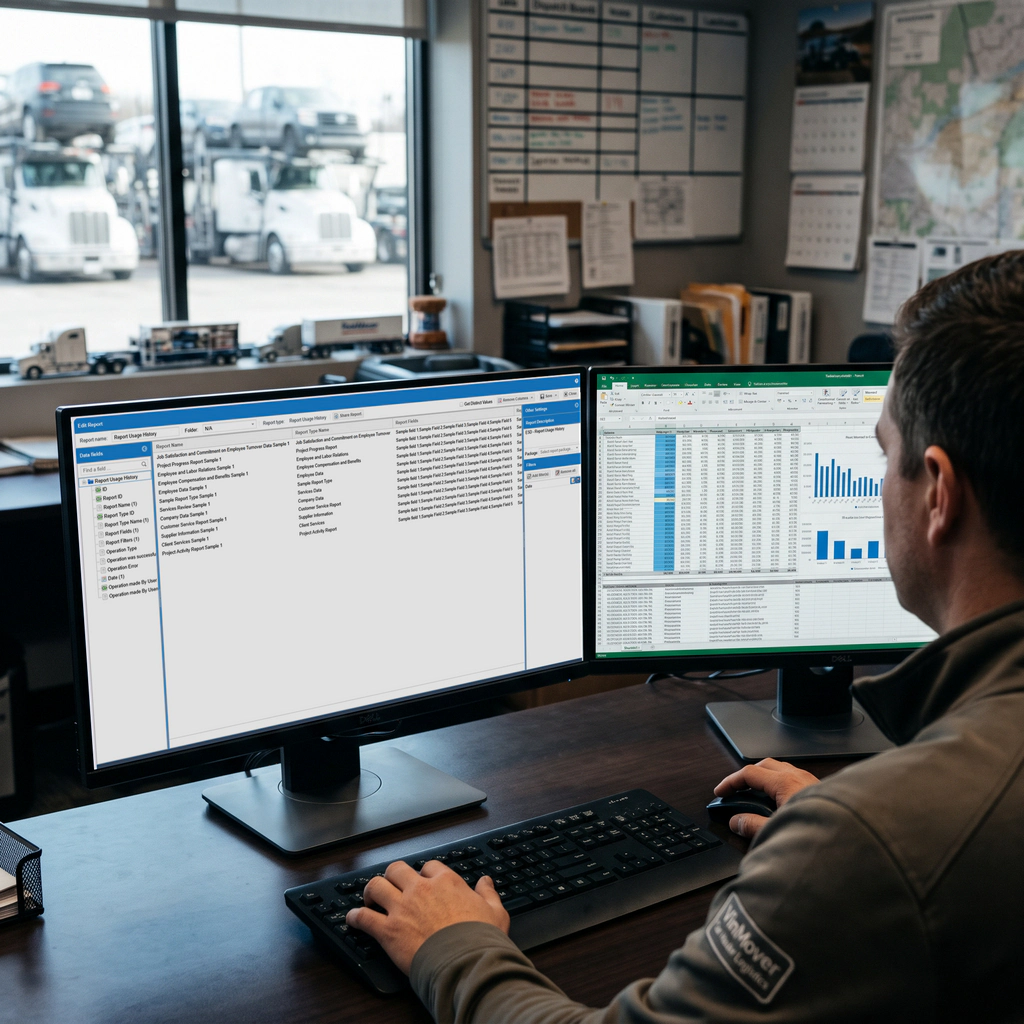
- Reporting and Analysis add-on ReportWriter Data Analysis tool suite allows for access to data in formats that allow deep analysis, integration with external data sources and metrics evaluation beyond that which is available in the VinMover application.

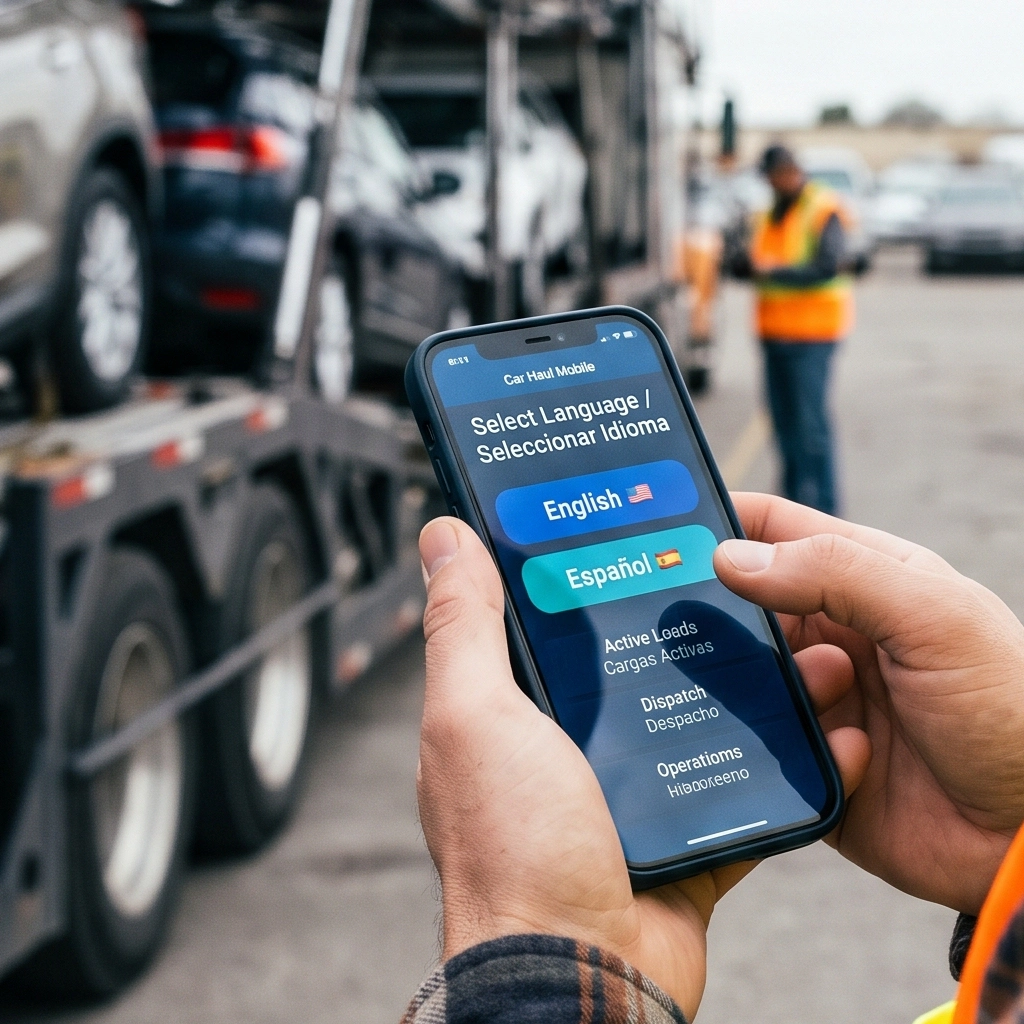
Multi-lingual Mobile App
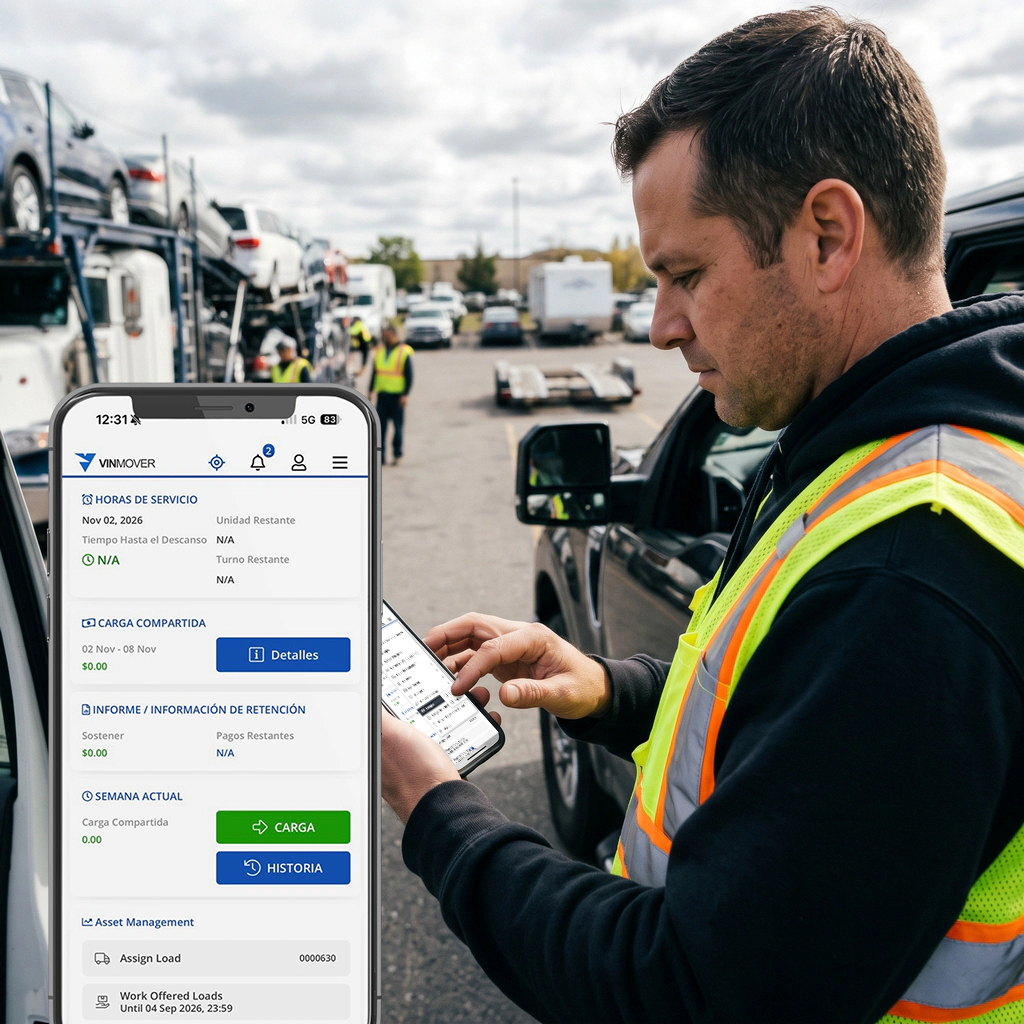
VinMover’s mobile app can support multiple written languages English, Spanish and others.
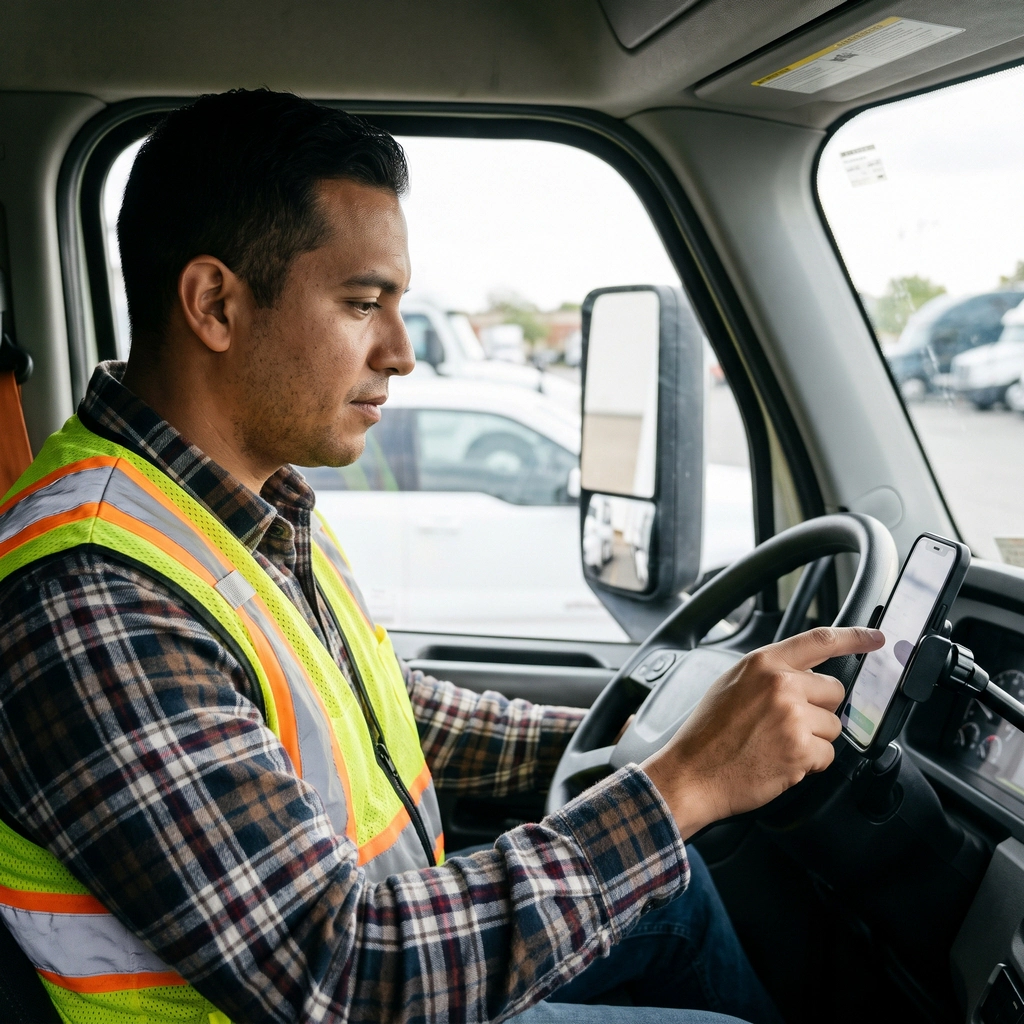
The Mobile App provides complete functionality for:
- Drivers
- Owner Operators
- Sub Hauler
- Storage yard staff
- Yard Safety Inspections
The Mobile App provides key functionality for:
- On the Go Dispatchers
- Company managers
ATR Fleet Maintenance and Repair
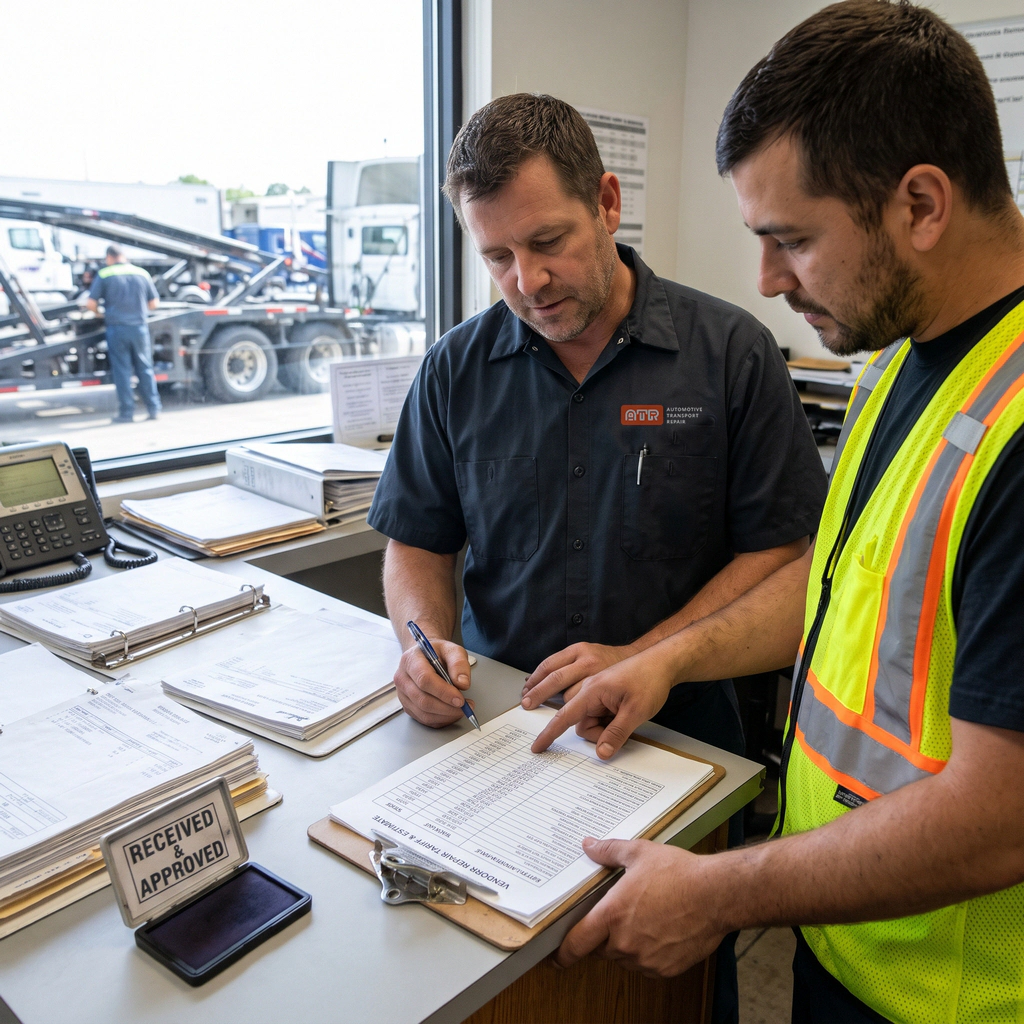
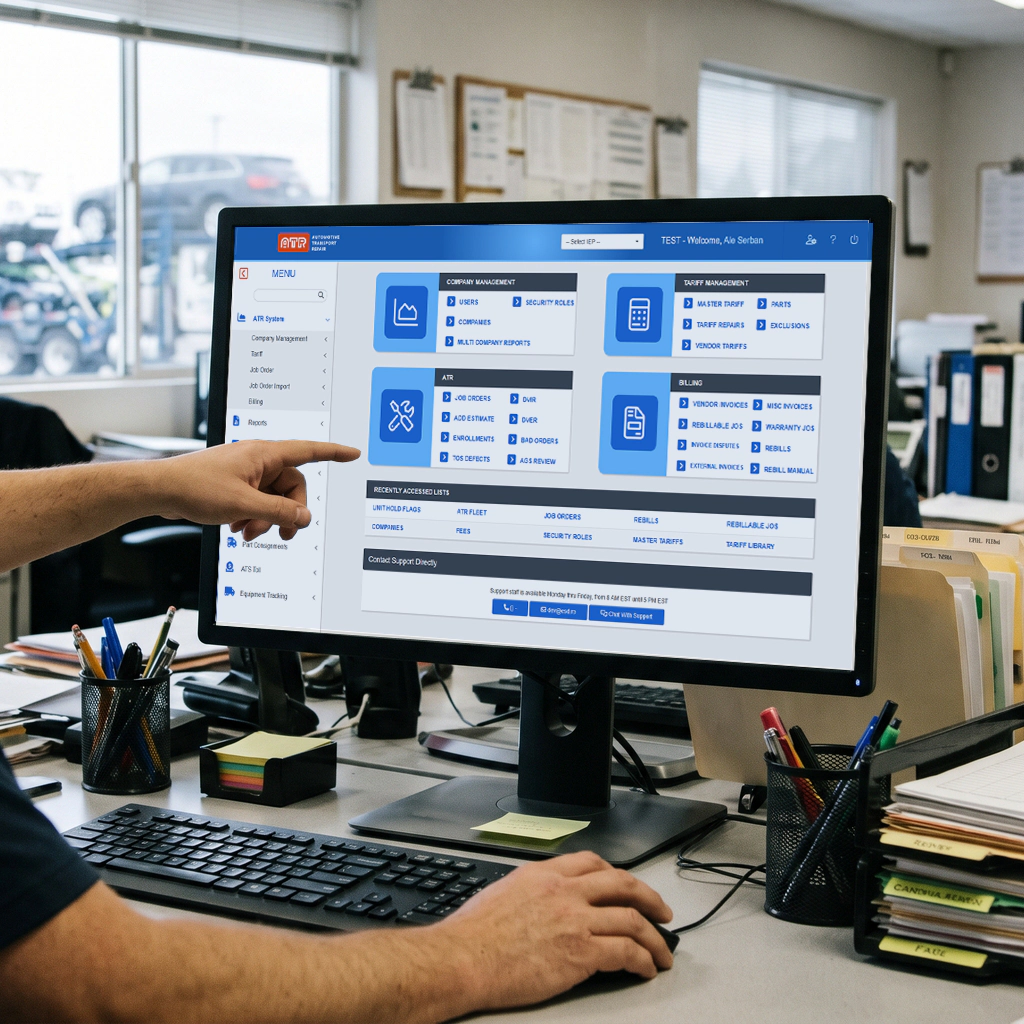
VinMover integrates with the Auto Transport Repair (ATR) fleet maintenance and repair system to manage all fleet repairs and preventative maintenance activities. ATR helps centrally manage fleet repairs and maintenance eliminating out of control repair expenses.
Key features
- Inspections The hallmark of an effective fleet repair program are effective inspections.
- Repair Vendors Vendors can self-register or be added manually, identifying all repair facilities, rates, taxes, invoicing preferences and payment terms.
- OTR repairs OTR repair vendors are identified and configured similar to repair vendors.
- Vendor Repairs Known repair vendors receive a repair tariff and can submit estimates via EDI, web screen and mobile app. Auto approval limits by vendor apply in certain cases
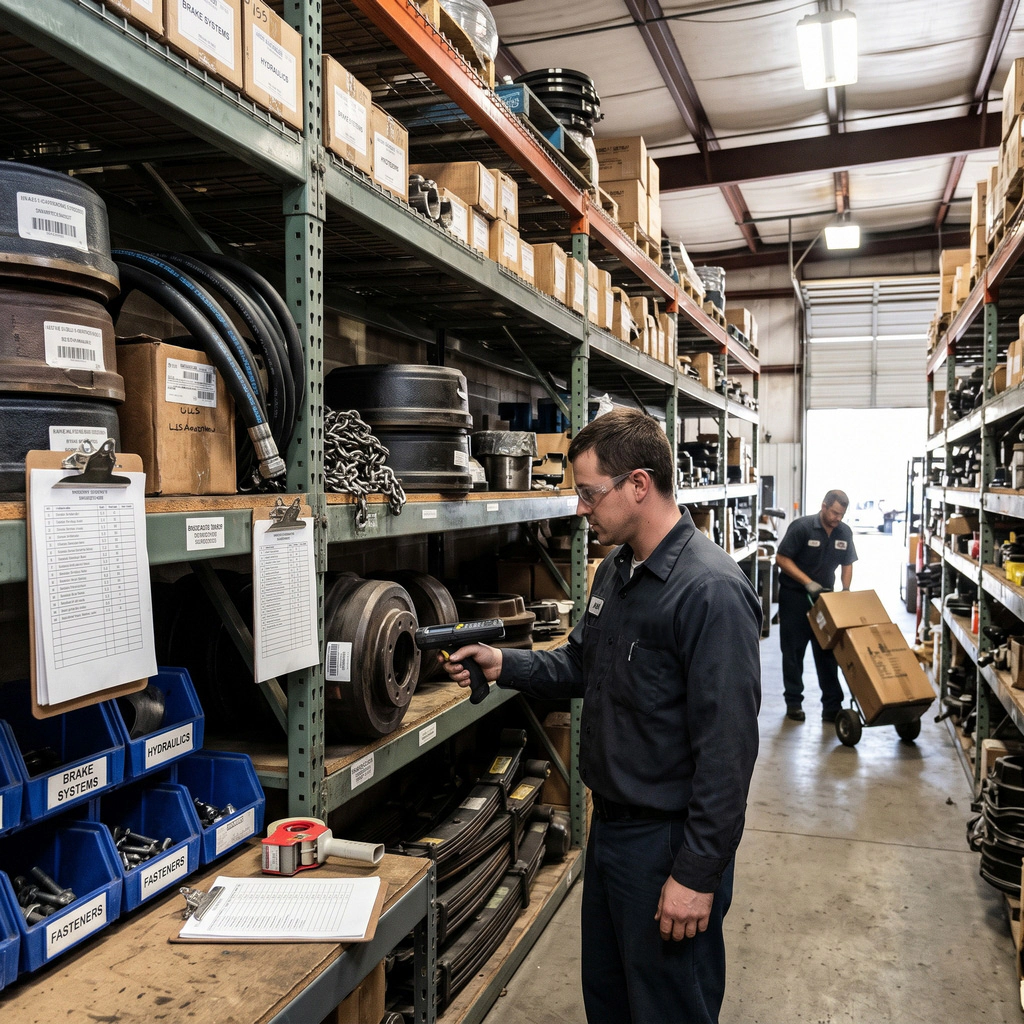
- Parts, part pricing and part warehouses/stockrooms Functionalities handle the inventory while containing costs.
- Repair tariffs Set the pricing for repairs and parts per vendor.
- Repair rebill Under certain cases the repairs can be rebilled to another responsible party such as an owner operator, partner company, warranty program, renter, etc.
- Repair History Knowing all repairs done to a specific fleet equipment is important in ensuring an effective preventative maintenance program and equipment resale program.
Ecommerce and Online Payments
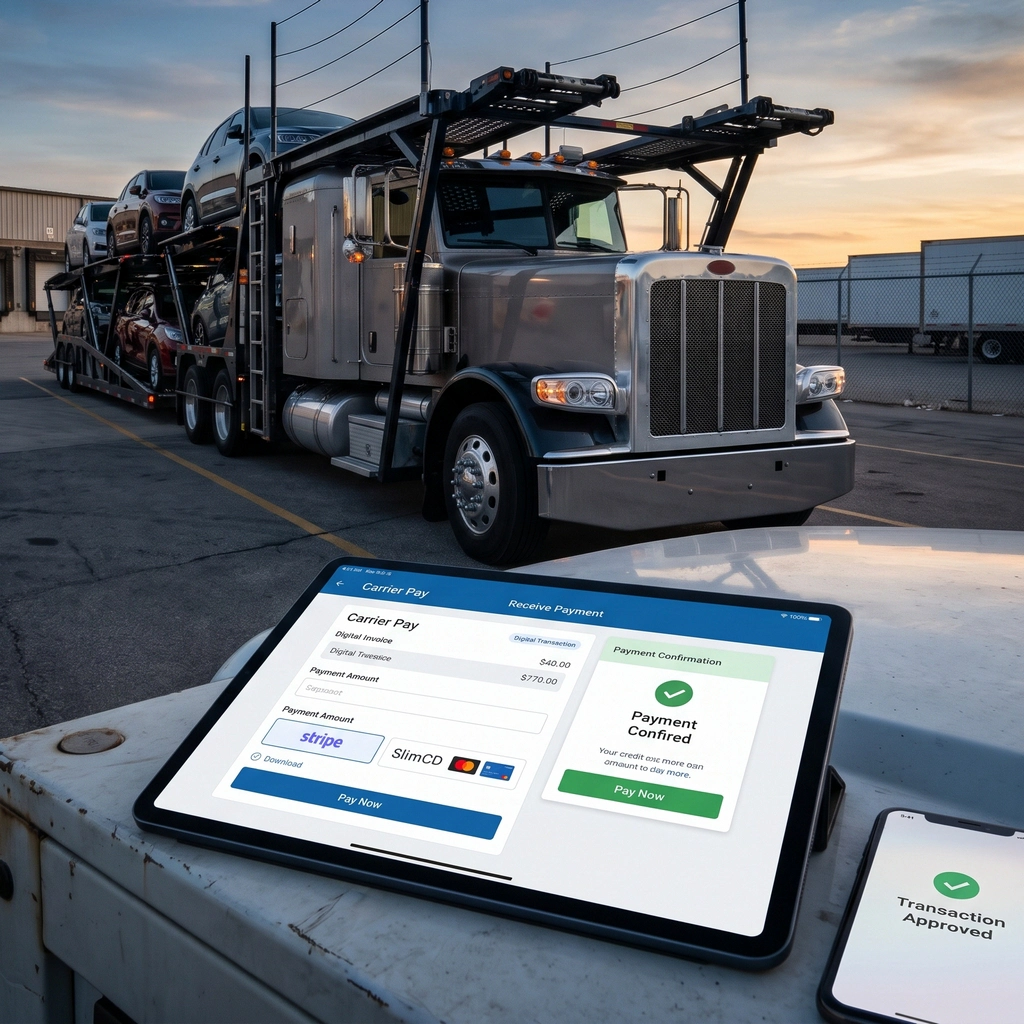
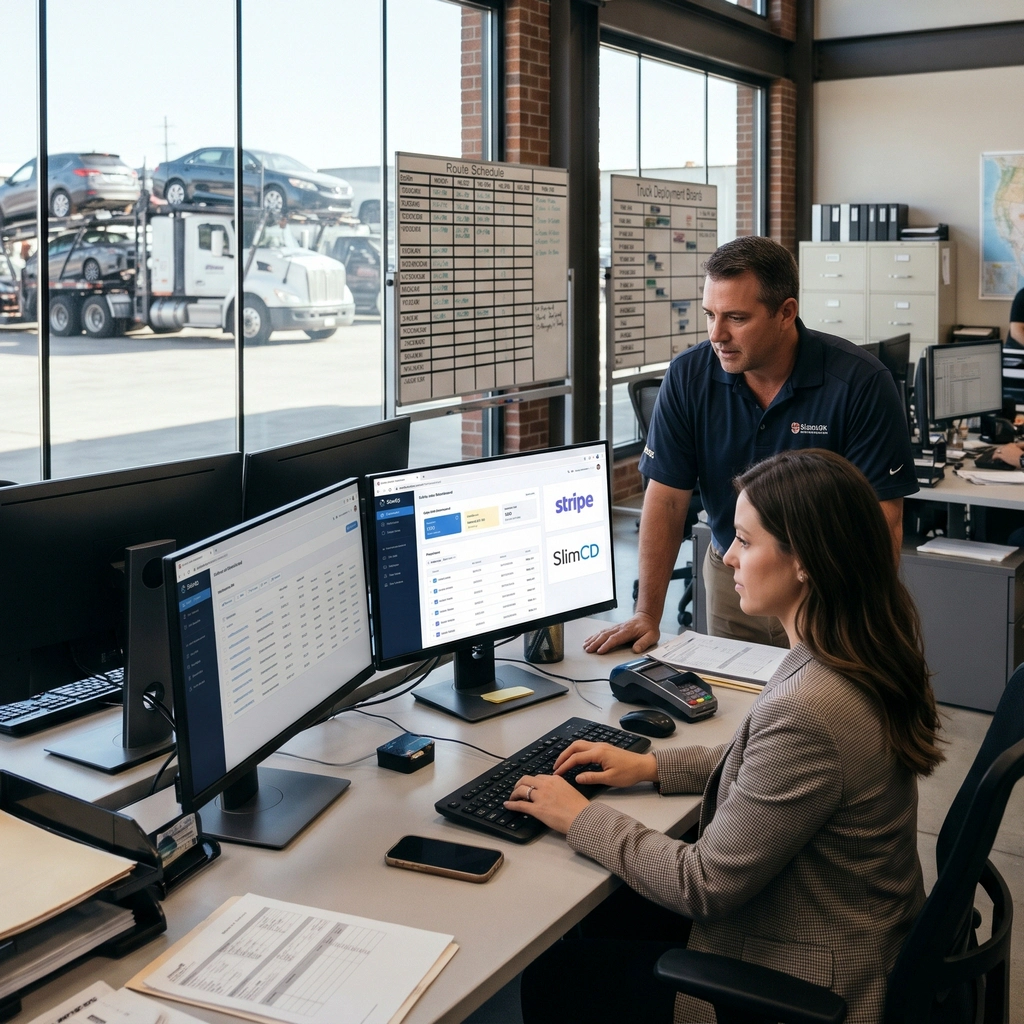
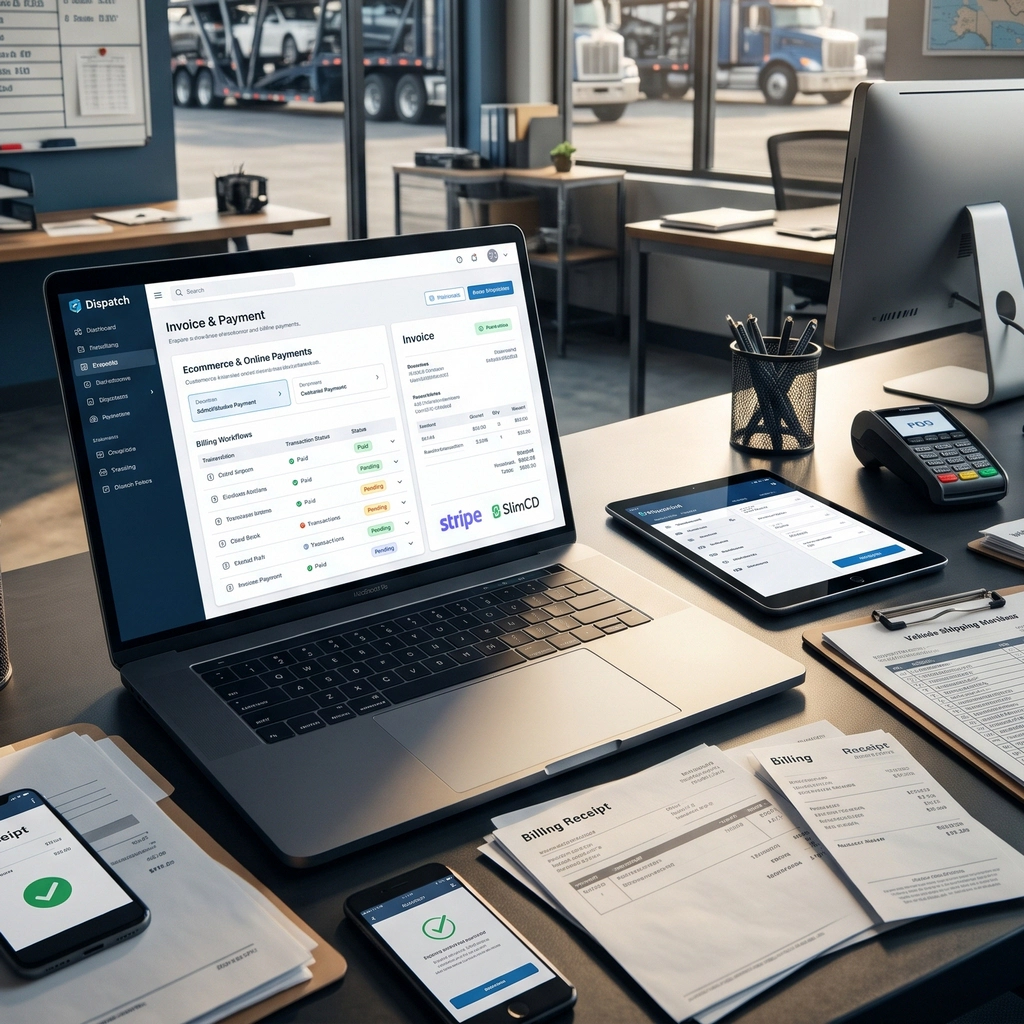
VinMover makes it easier for carriers to manage customer payments by supporting different payment methods based on each customer's preferences. While many customers pay by wire transfer or check, others prefer the convenience of credit cards and online payment services.
Through integrations with Stripe and SlimCD, VinMover allows businesses to request and receive payments electronically directly through the platform. Customers can pay their direct-pay invoices using their preferred payment method, making the payment process faster, simpler, and more convenient for both parties.
By bringing online payment options into the platform, VinMover helps streamline billing and collections while reducing the need for separate payment processing tools.
For Analysis and Custom Reporting
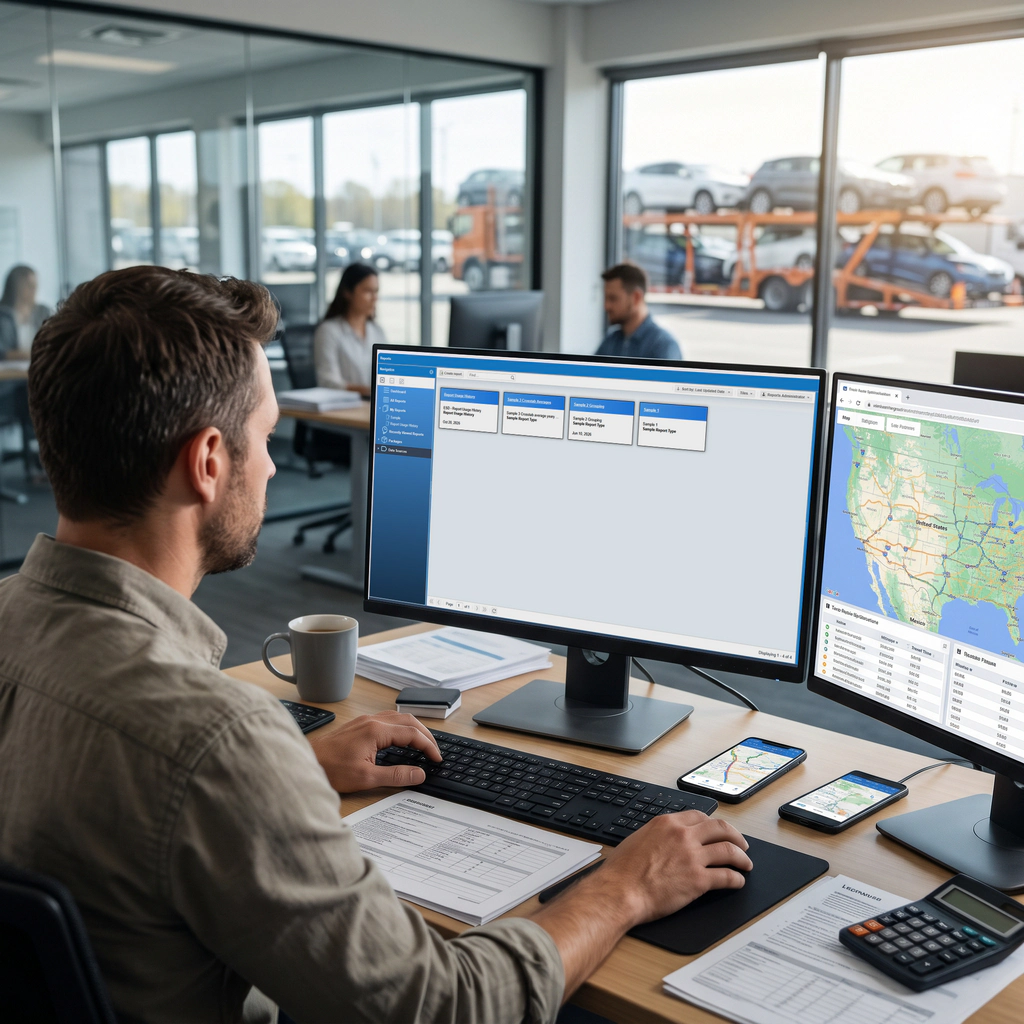
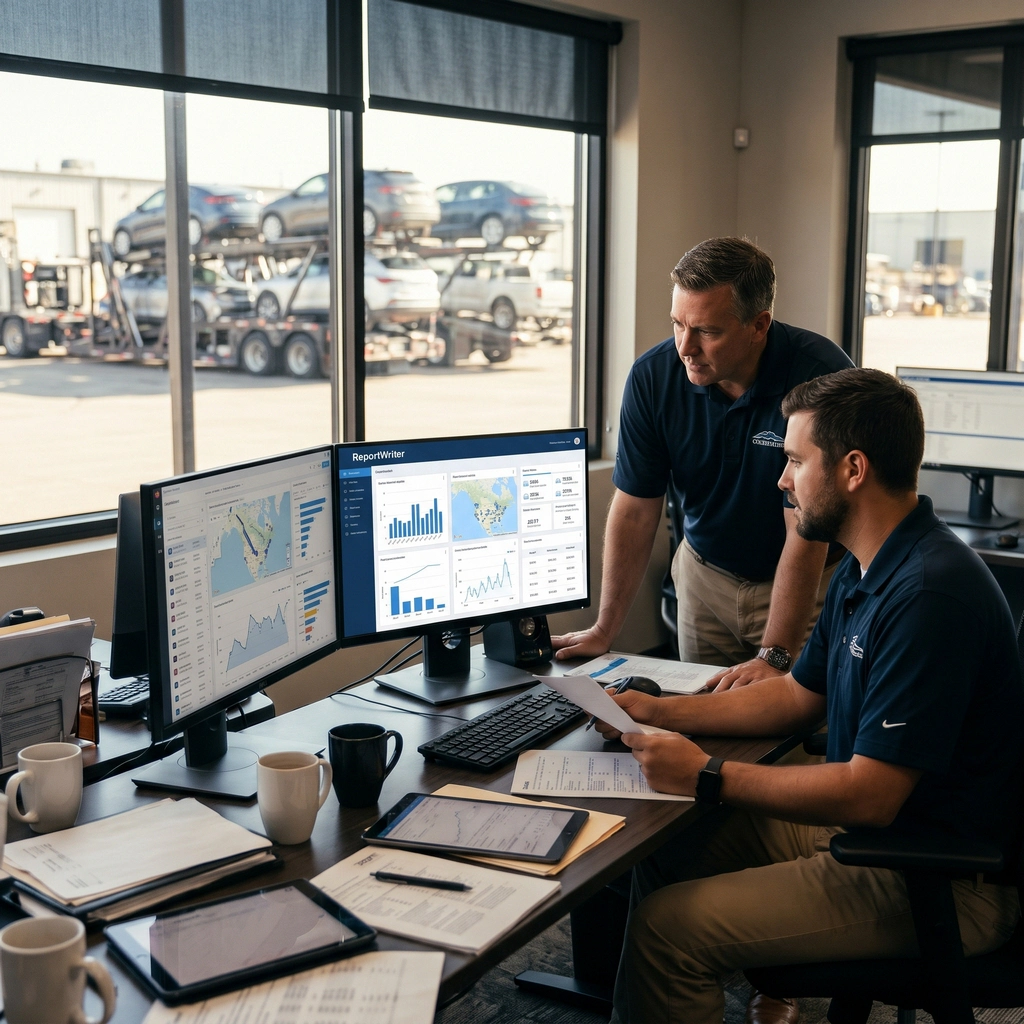
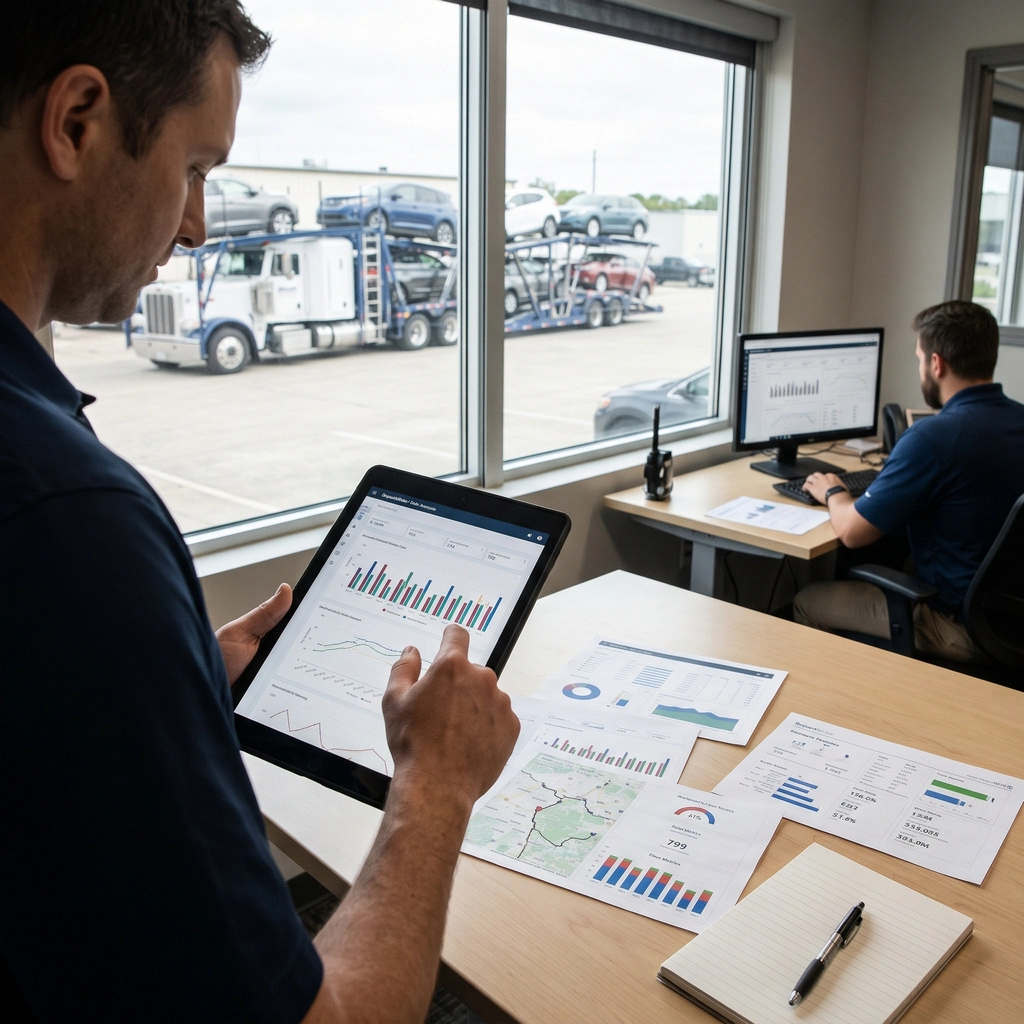
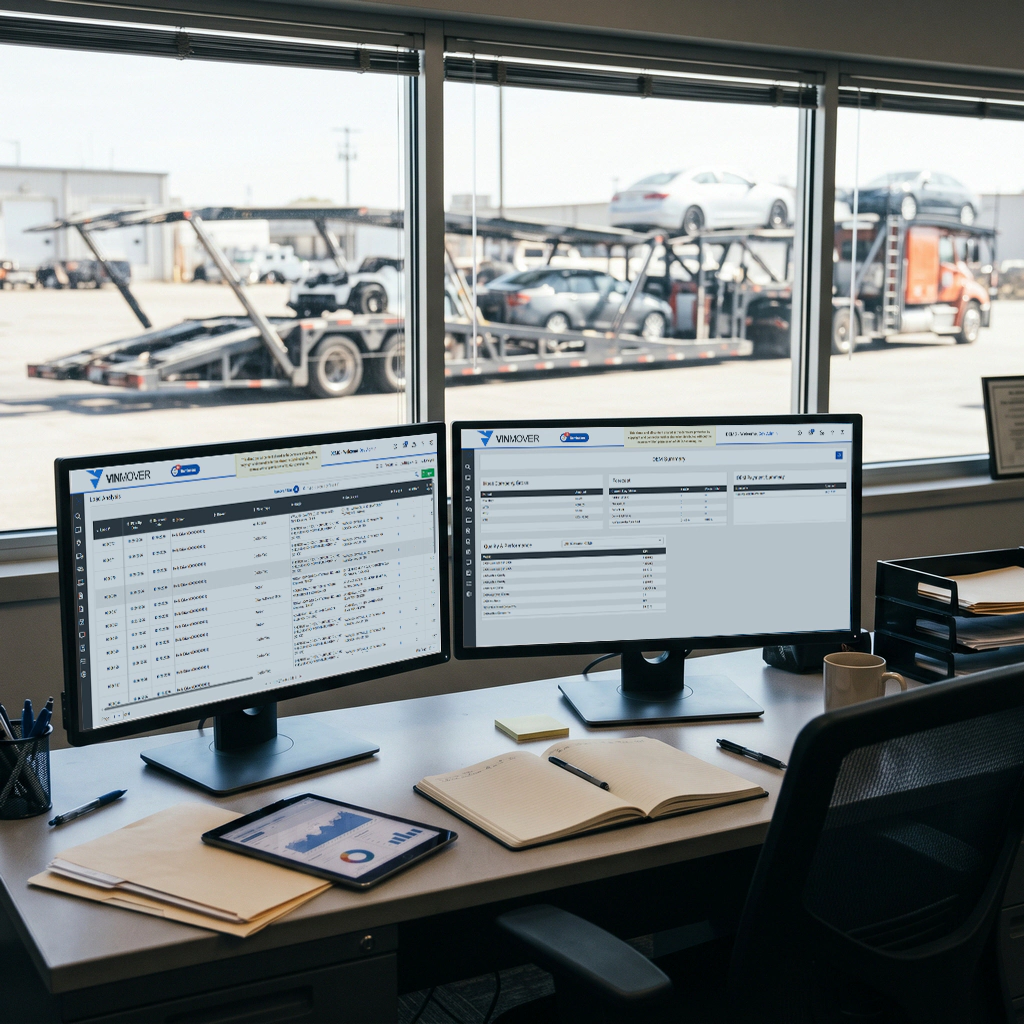
Ad-Hoc reporting and data analysis capabilities are necessary for identifying problem root causes and devising effective solutions. Flying blind is suicidal, effective access to your data can help take the guess work out of decision making.
The Reporting and Analysis add-on allows data collected in VinMover to be integrated with and reported on in cooperation with data sourced from other company systems.
Reporting
ReportWriter Data Analysis tool suite, both web and mobile, allows for access to data in formats that allow deep analysis, integration with external data sources and metrics evaluation beyond that which is available in the VinMover application.
Complete Communication
Auto Carriers are made up of teams that are spread all over the place. Effective, quick and clear communication channels make all the difference.
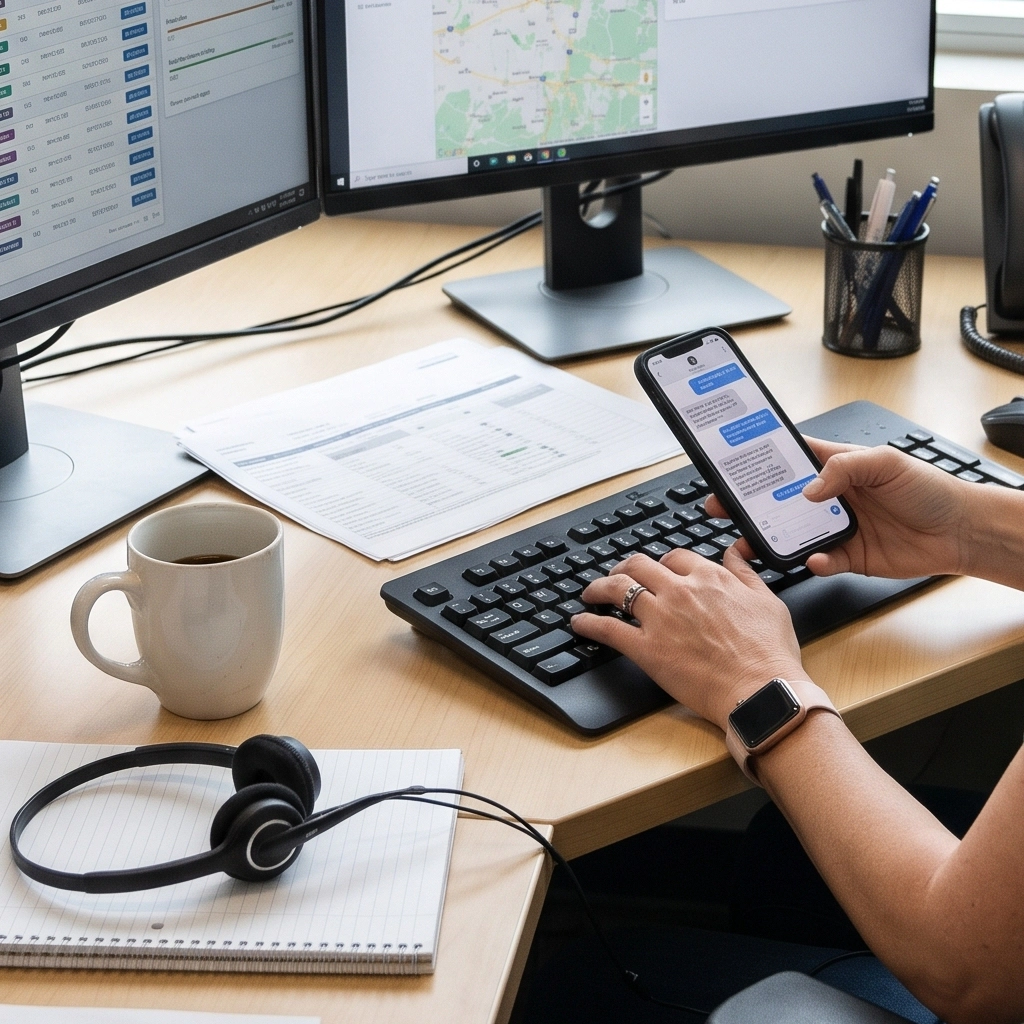
VinMover supports extensive communication options via SMS, Email, and App Notifications between individuals and teams such as; drivers, accounting, safety, terminal support, van drivers, etc. All communication is delivered to teams that can answer staff and maintained in lists where all team members can review past communication and ensure the best possible outcome to the identified problems.
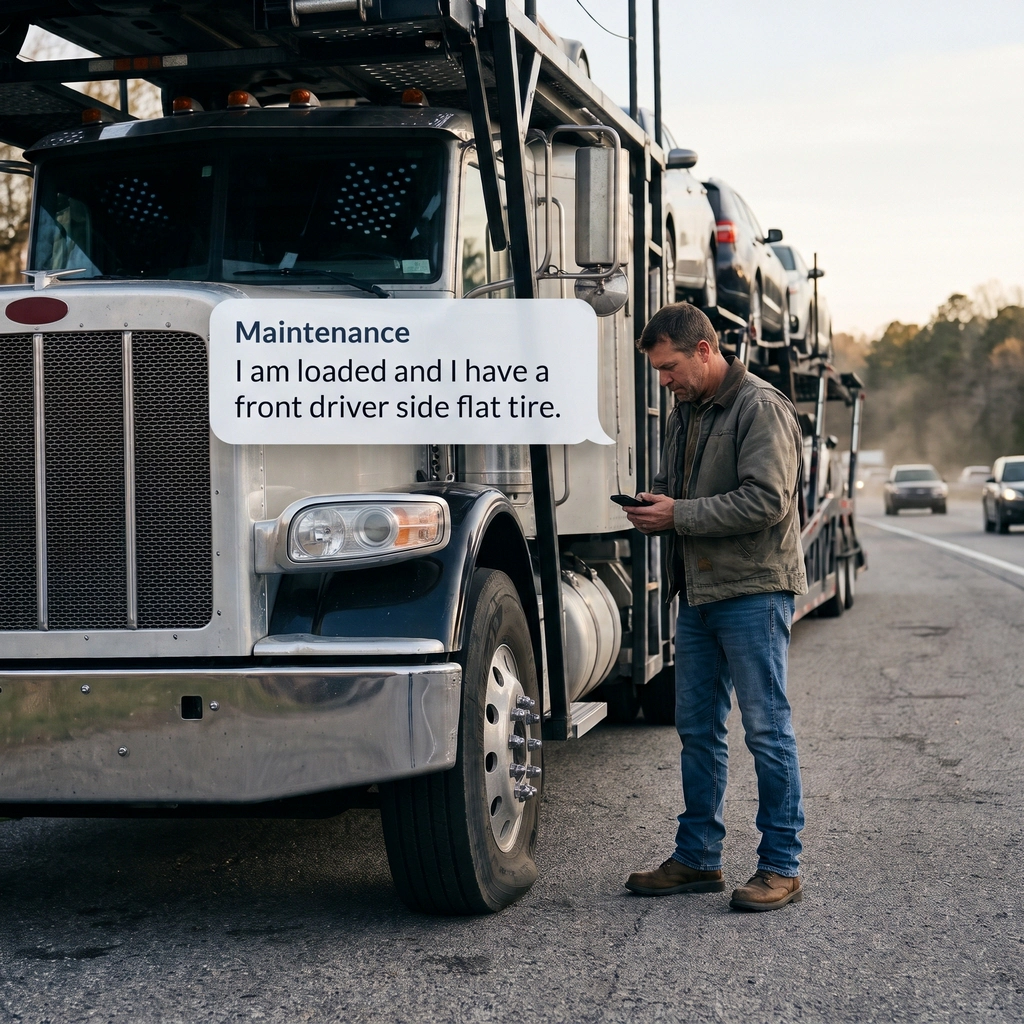
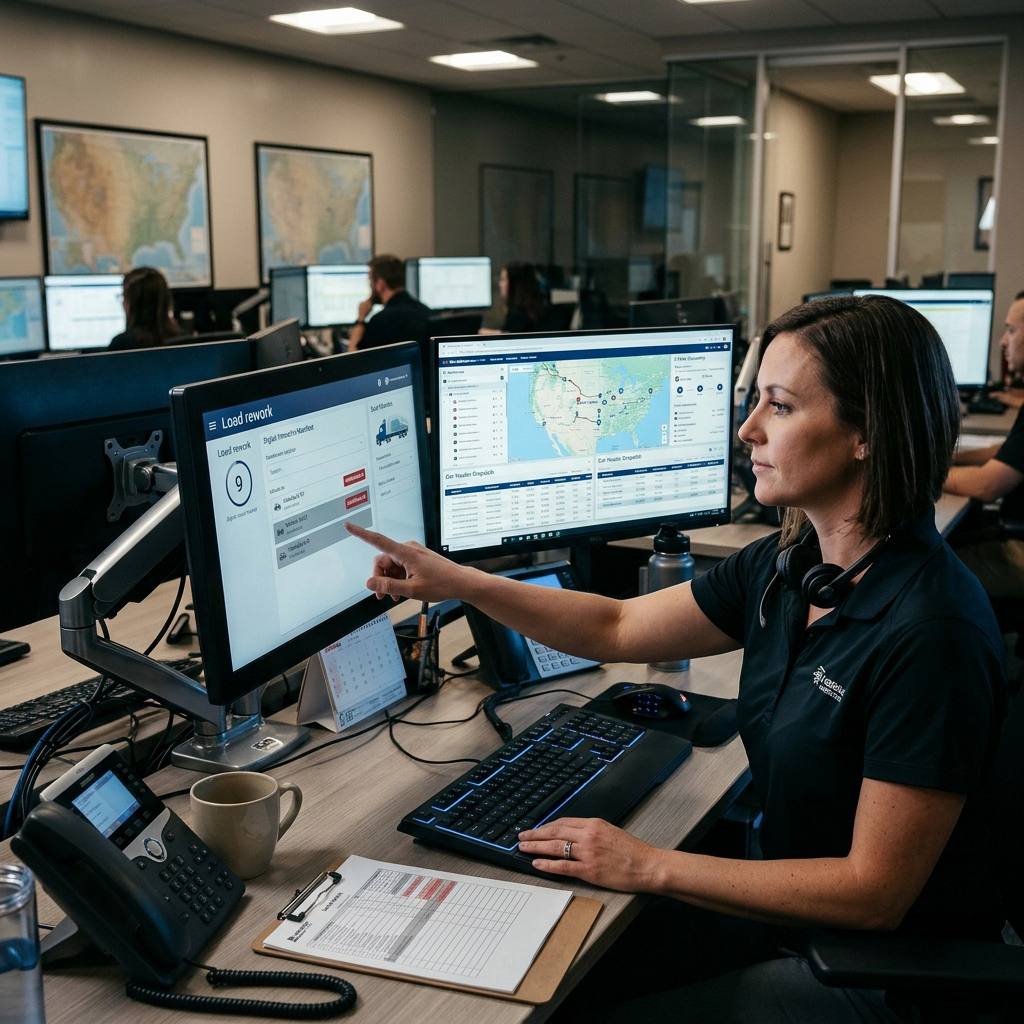
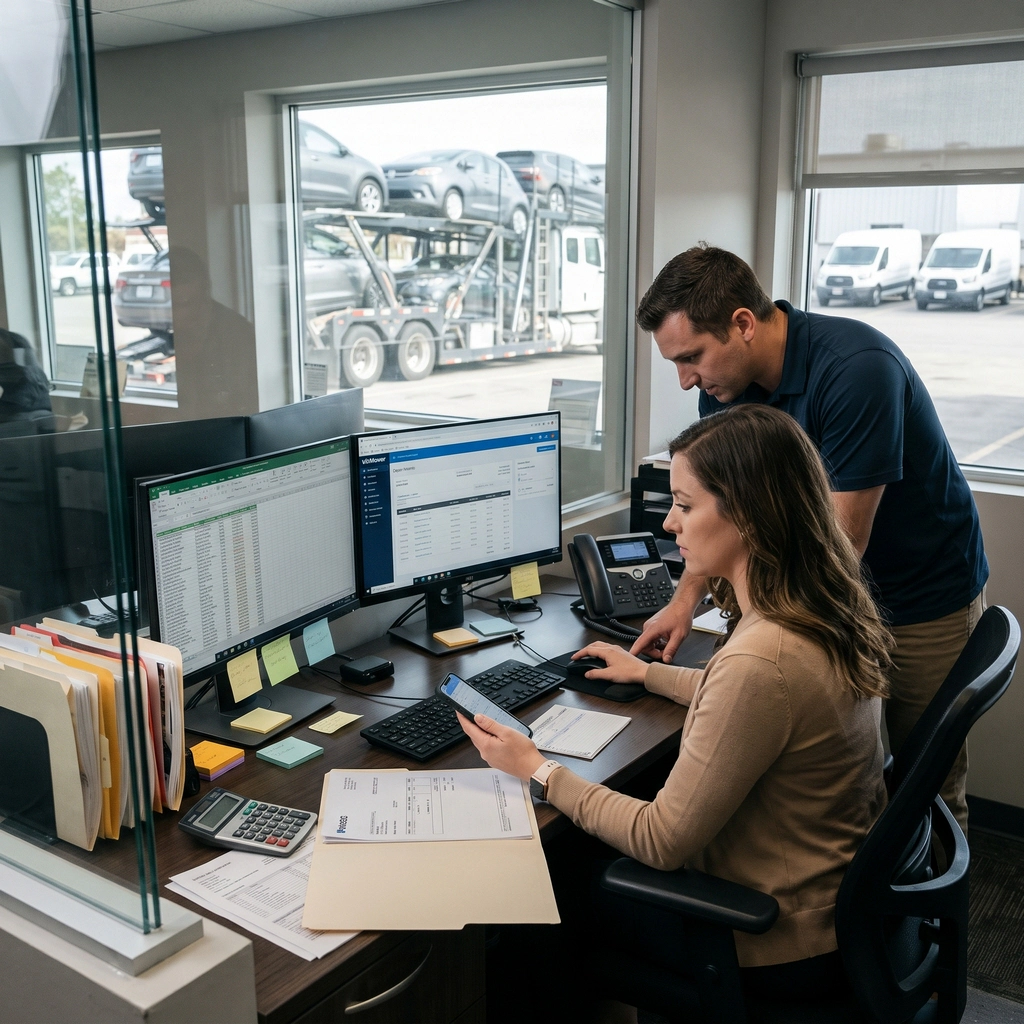
Quick efficient answers to the follow types of communication streamlining team member’s time by eliminating the need for time consumptive phone calls:
- “Dispatch I need a load.”
- “Maintenance I am loaded and I have a front driver side flat tire.”
- “Dispatch two of the nine cars are unavailable can you rework my load?”
- “Accounting can I get backup on the last payment?”
Support
We are here to help.
Visit the support center under the “question mark” icon to see the hours of support and all the assistance available to your VinMover implementation.
Getting support should be as easy as a click, text, email or voice call.
From the support center users can live chat with an agent, exchange text messages, open a ticket, send an email make a phone call, request a call back, review help documents, watch training videos and more.
We look forward to working with you.
Key features
- Standard Support Hours The company selects the standard support hour window.
- After Hours Support Site down or emergency assistance is always available.
- Live Chat Open a chat window and chat with a support team member (a real person) for those who are multi-tasking. While you chat with our team we are paying attention because we use real people to man our live chats (emphasis on live).
- Text Our customers are solving many things all at once, so text us, we will work with you regardless of where you are or what is going on.
- Call us or have us call you A quick call can replace hours of writing back and forth messages getting you the help or answers you need as you need it.